


Step 1: Vorlage wählen
Nutzen Sie ein fertiges Layout statt einer leeren Leinwand.
Durchsuchen Sie fertige Vorlagen für Blog-Feature-Bilder, Open-Graph-Vorschauen, Social Posts und Thumbnails. Öffnen Sie eine Vorlage im Editor, passen Sie den Text an und exportieren Sie ein sauberes Bild.
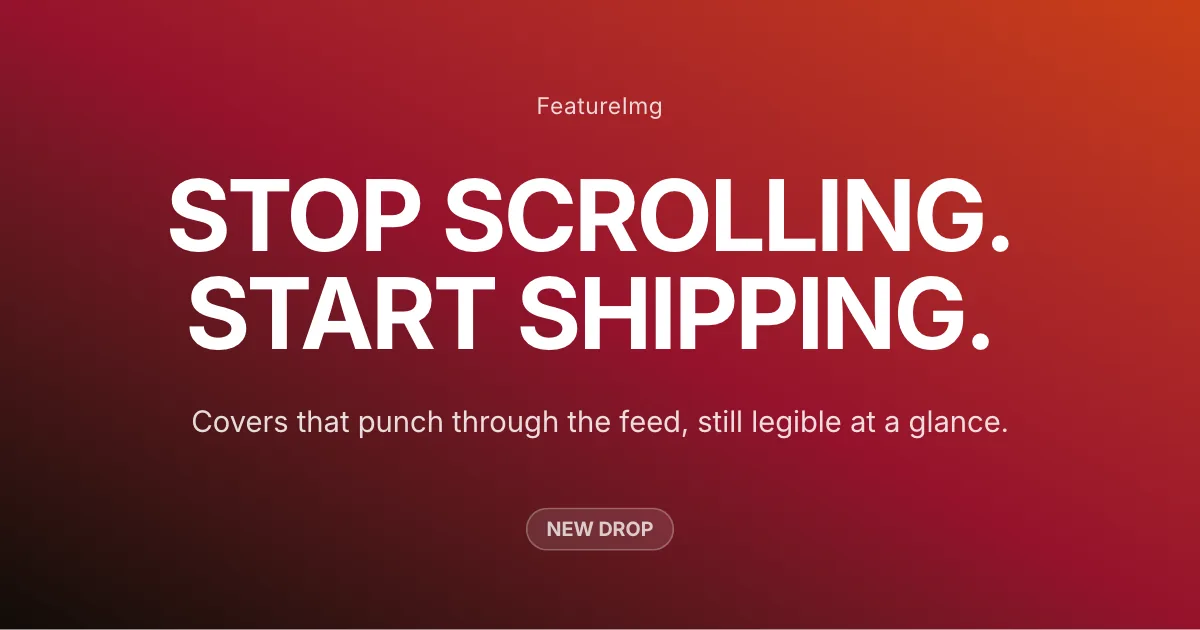
Cover für Kreative, Produkteinführungen und persönliche Marken
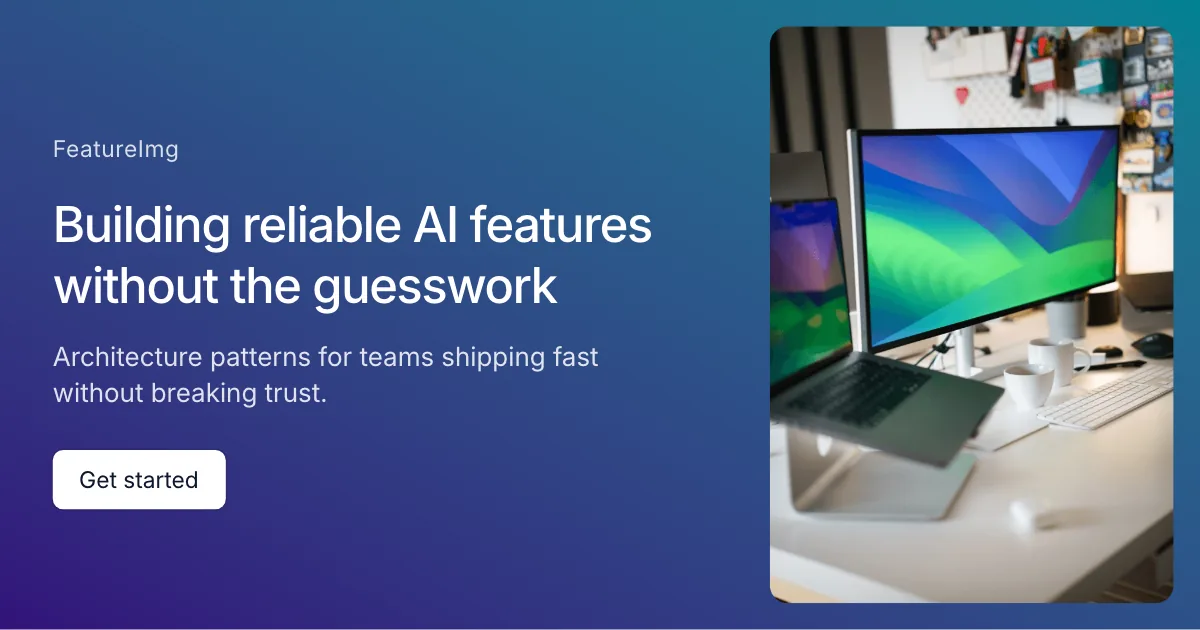
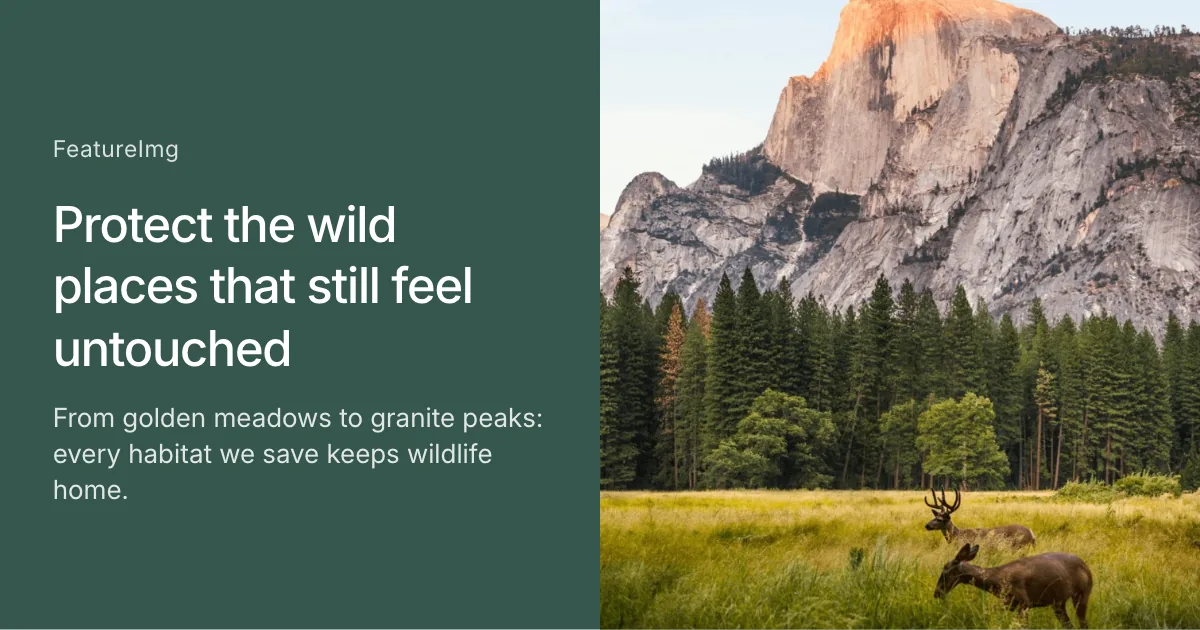
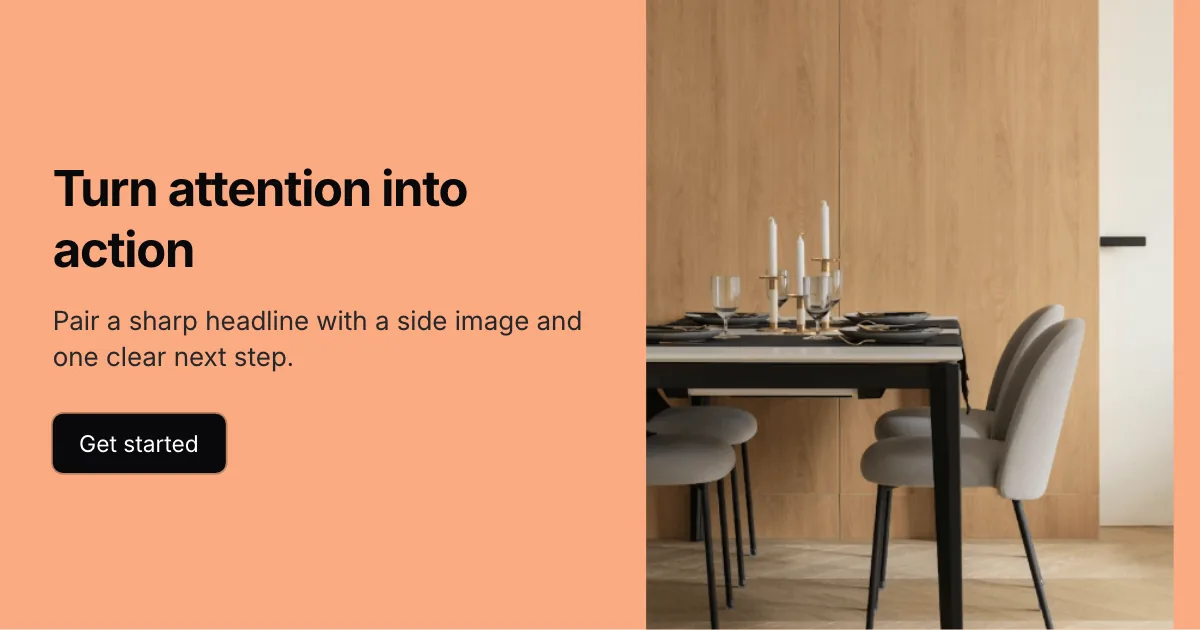
Bildbetonte Cover mit großflächig geteiltem Motiv
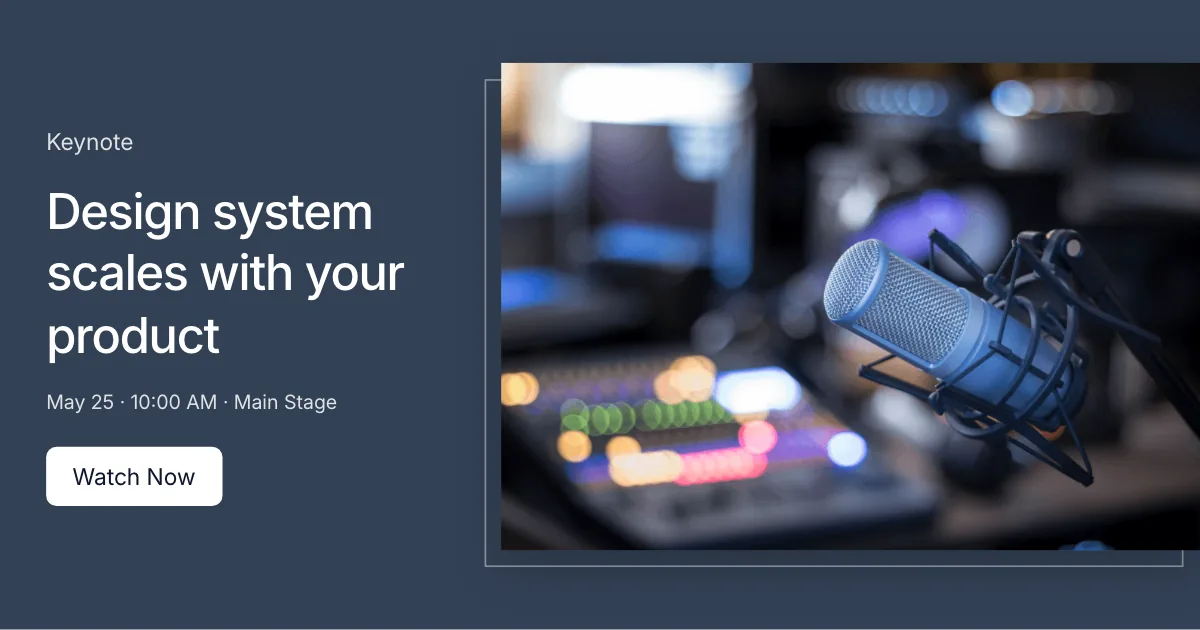
Cover für Vorträge mit breitem Medienbereich
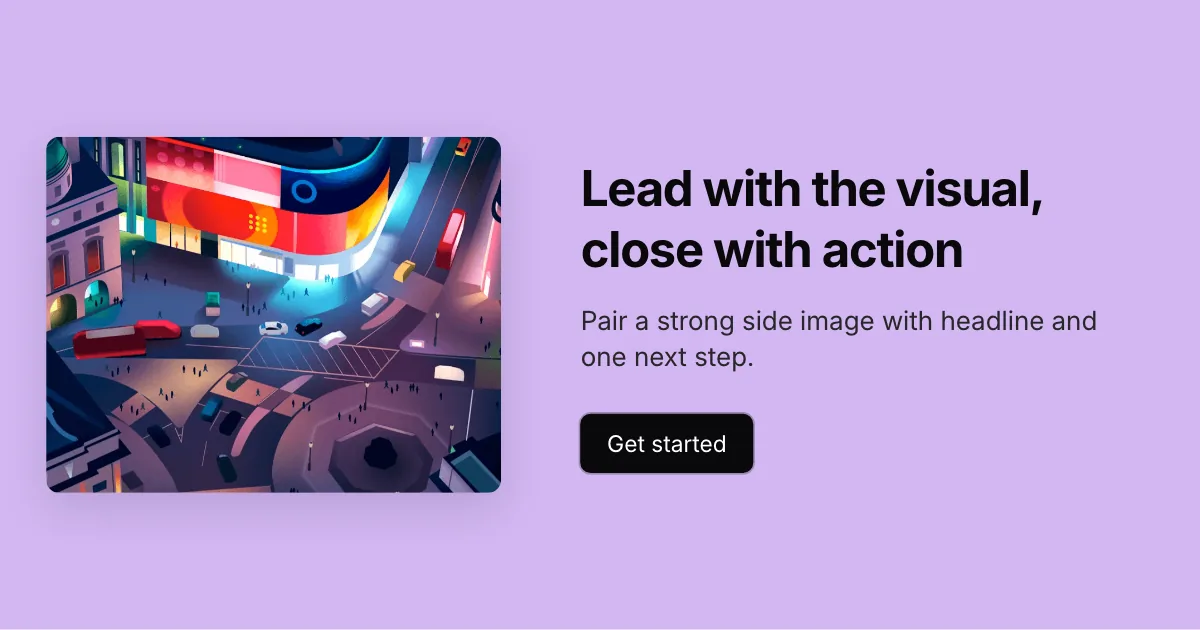
Bildbetonte Cover mit Text und CTA auf der rechten Seite
Partner und Produktcover mit rundem Porträt und Farbstreifen
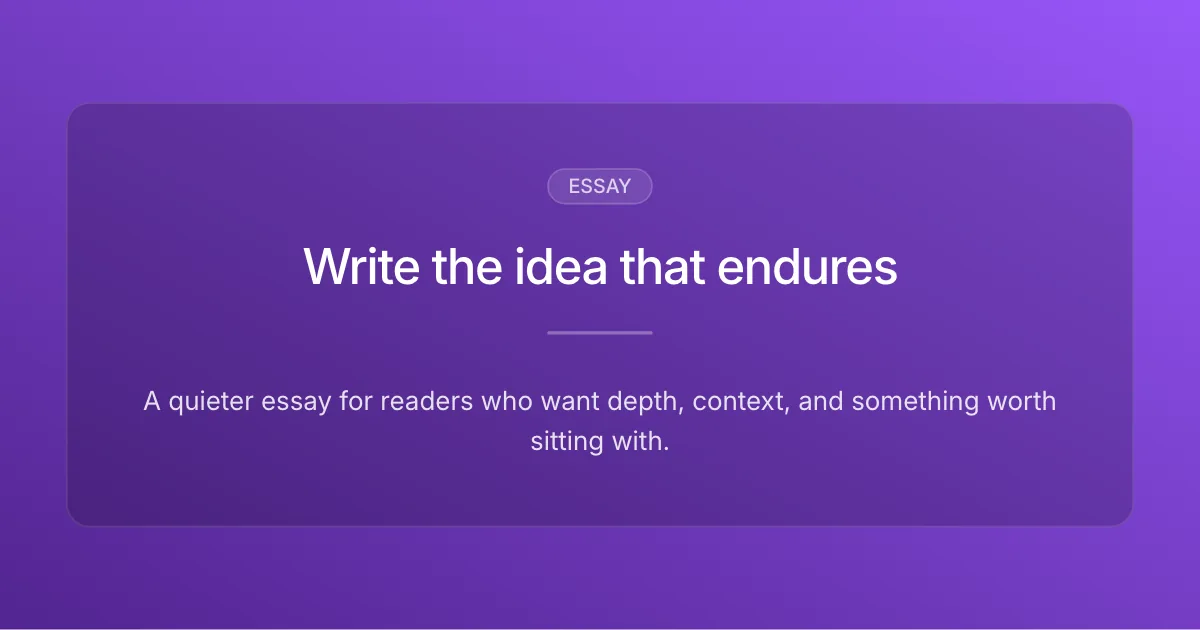
Essays, Newsletter und Fachbeiträge
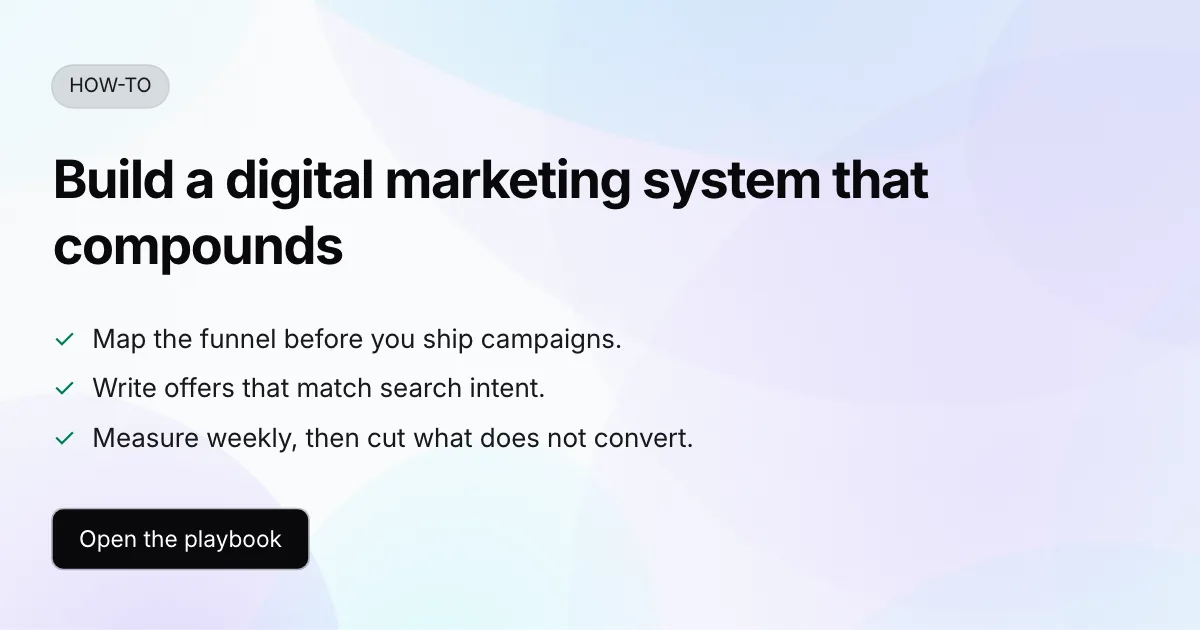
Anleitungen, Ratgeber und Schrittfolgen
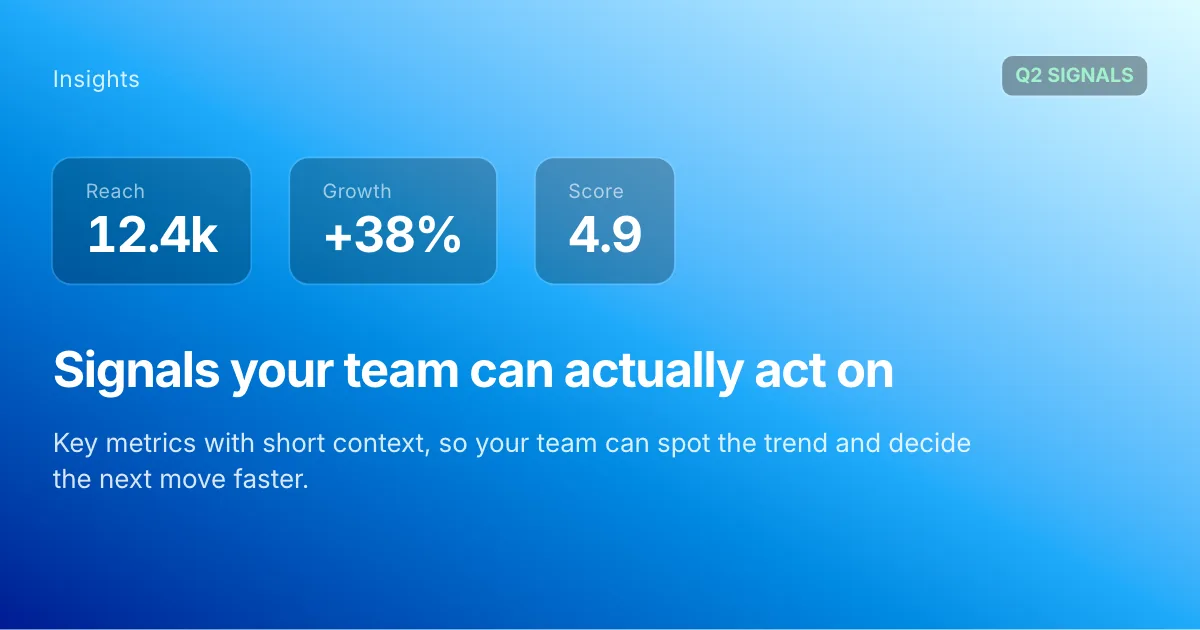
Berichte, Trends und Analysen
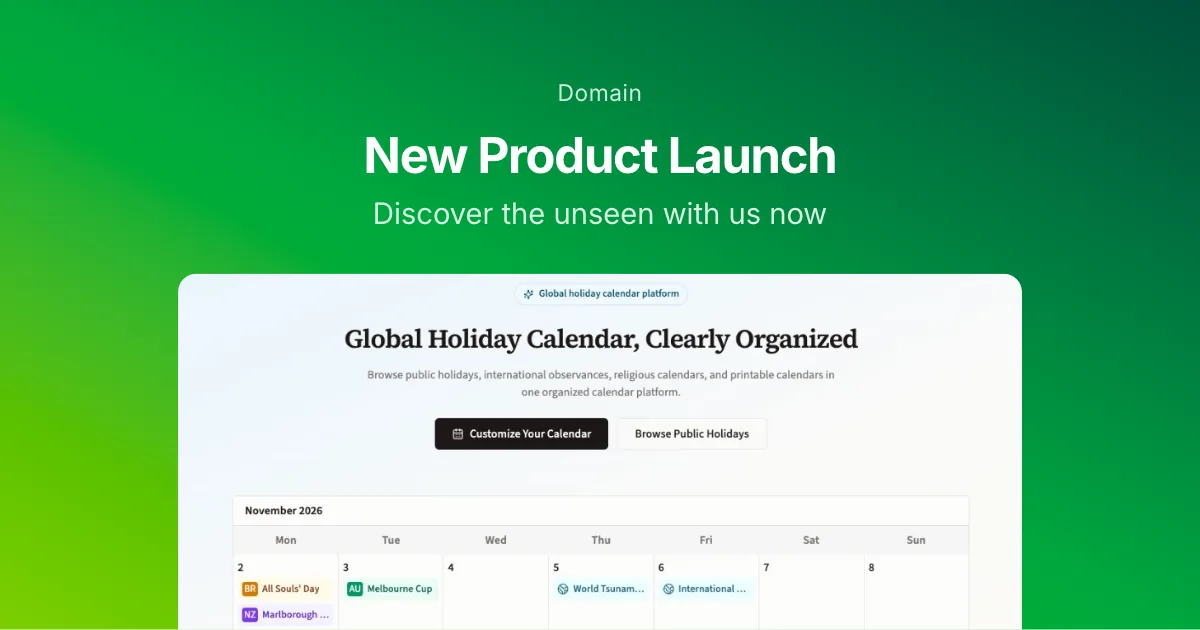
Produkteinführungen, Updates und Versionshinweise
Social Posts und Inhalte für Kreative
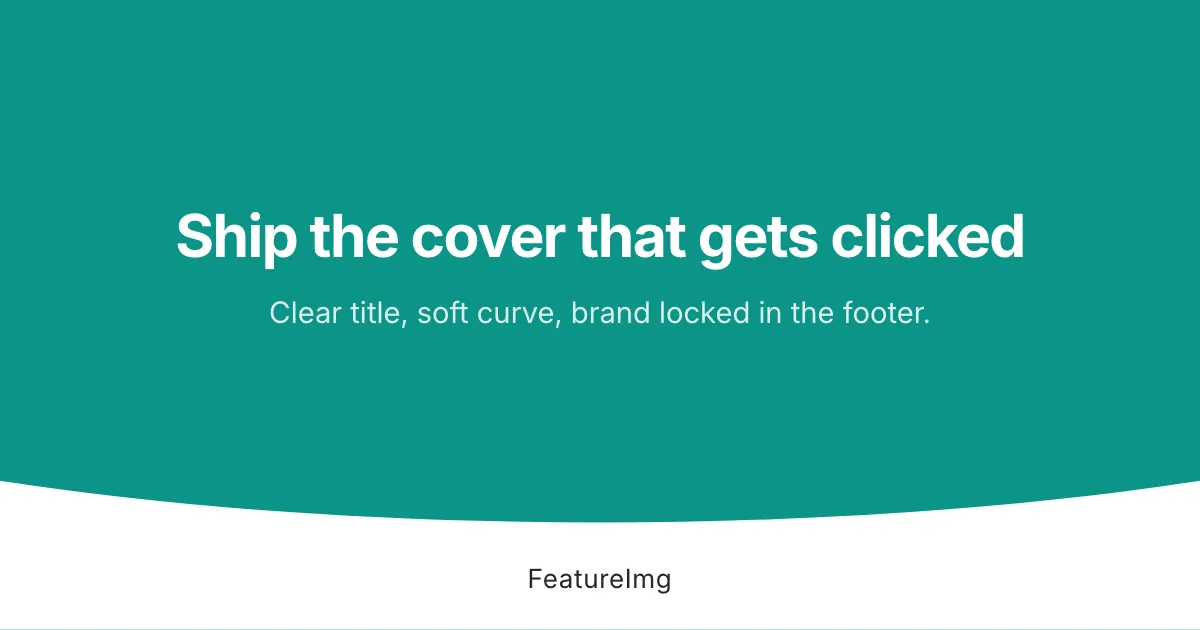
Markencover mit gebogenem Farbstreifen am unteren Rand
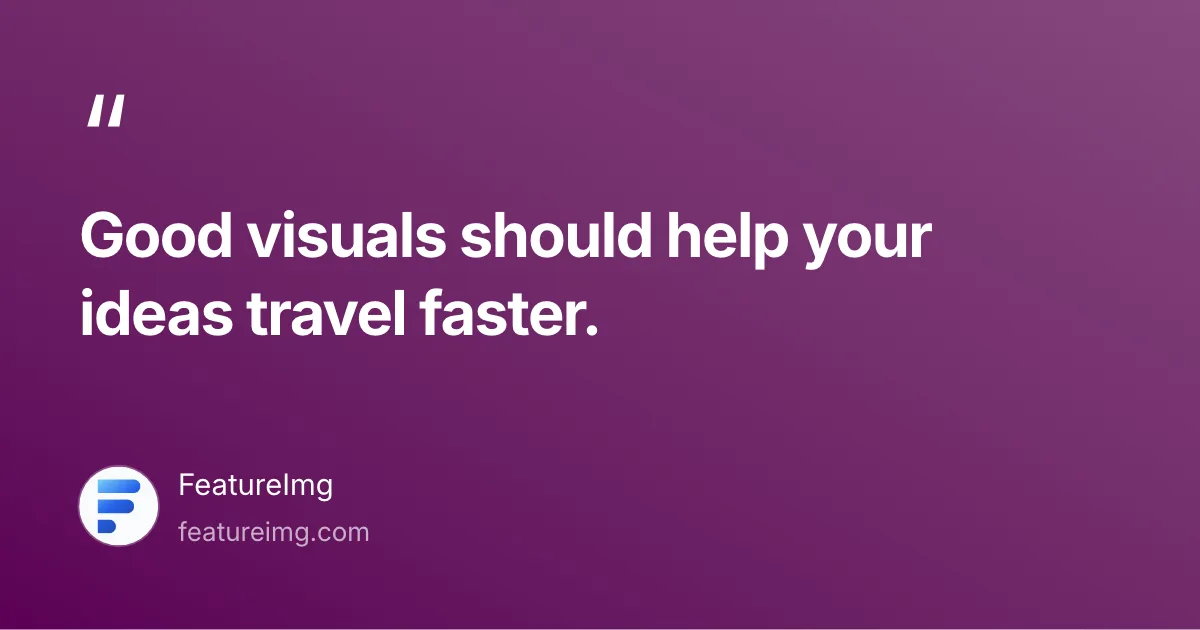
Kurze Zitate mit Namensnennung
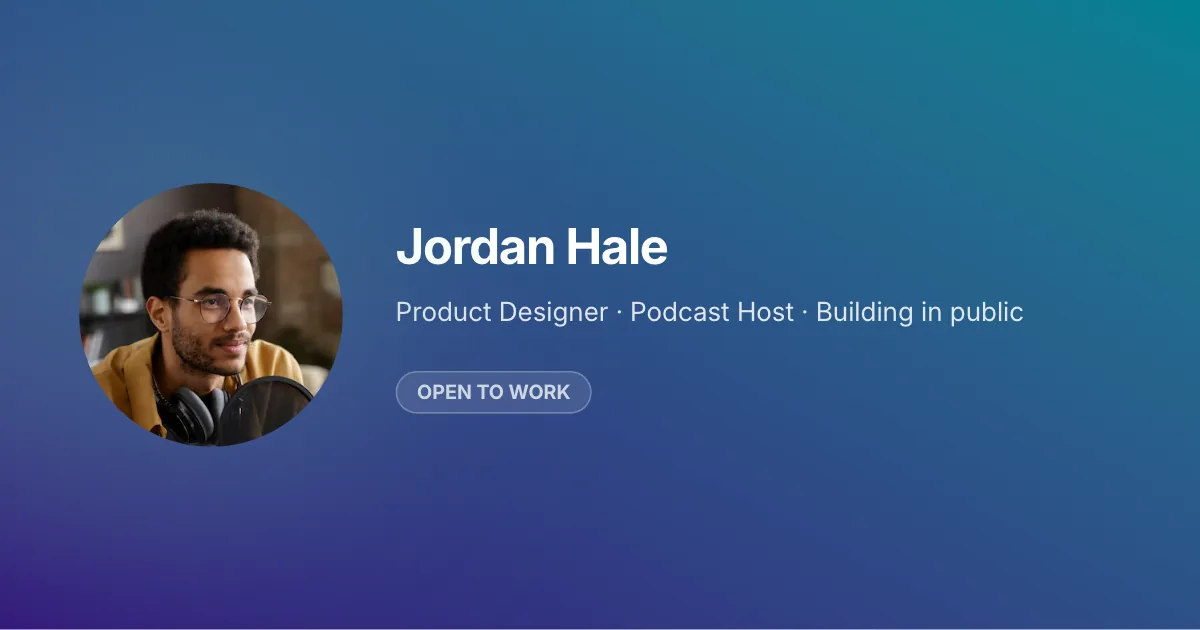
Profilkarten mit Avatar, Überschrift und Abzeichen
Ankündigungen mit Überschrift und klarer Handlungsaufforderung
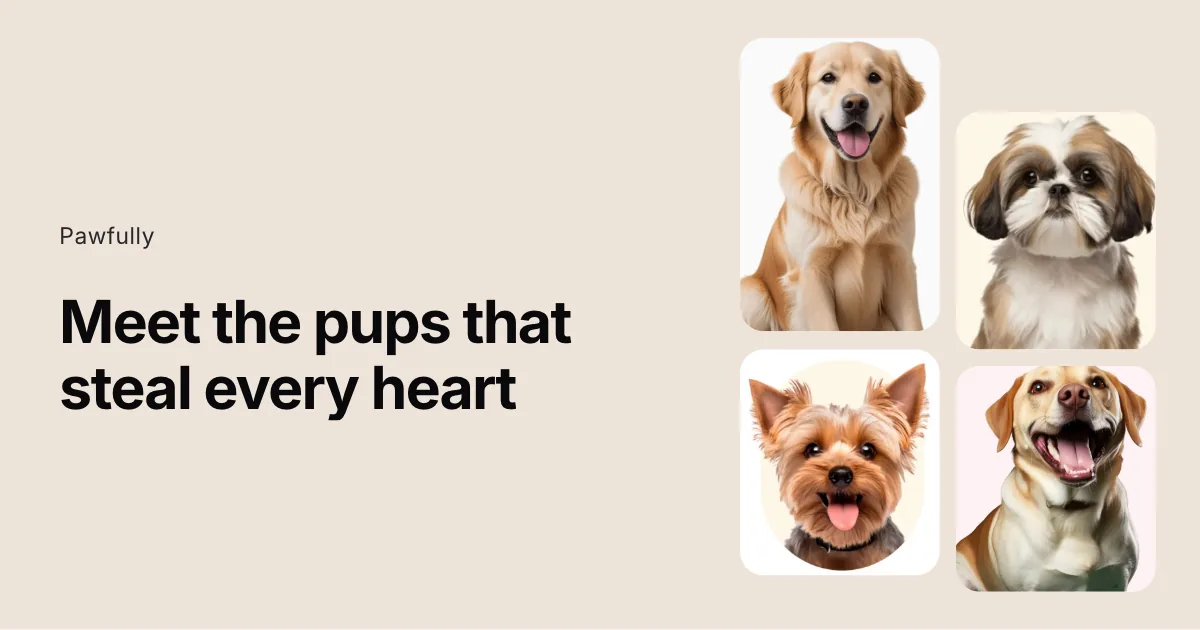
Produktgeschichten mit vier versetzten Bildkarten
Markengeschichten mit Hauptmotiv und ergänzendem Text
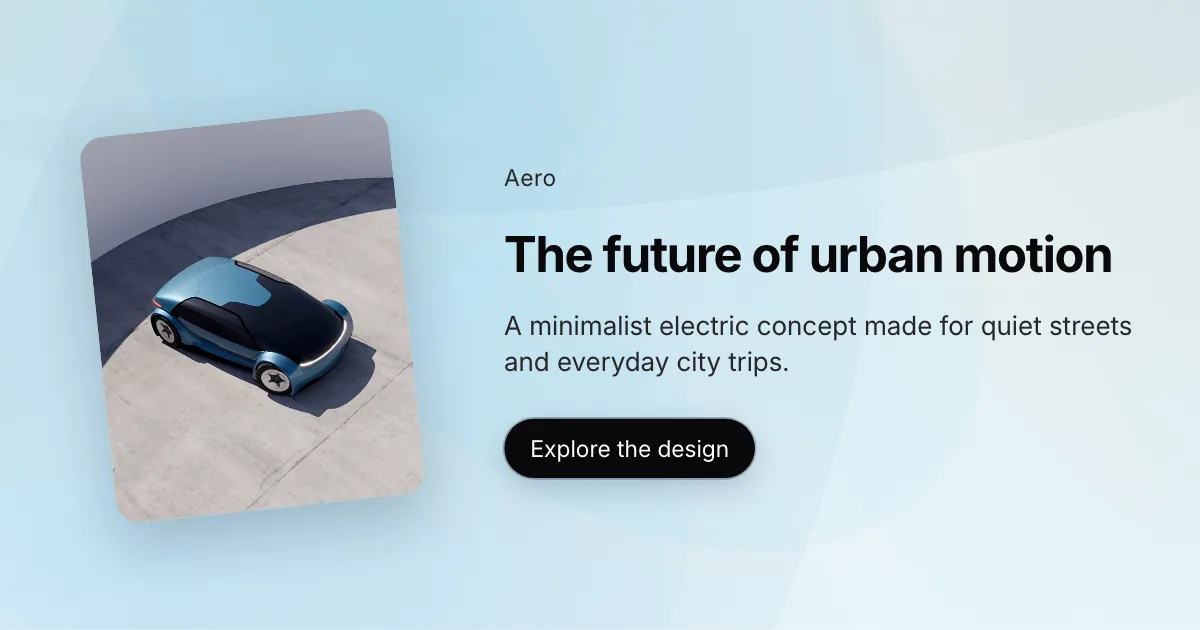
Lockere Ankündigungen mit geneigtem Produktbild
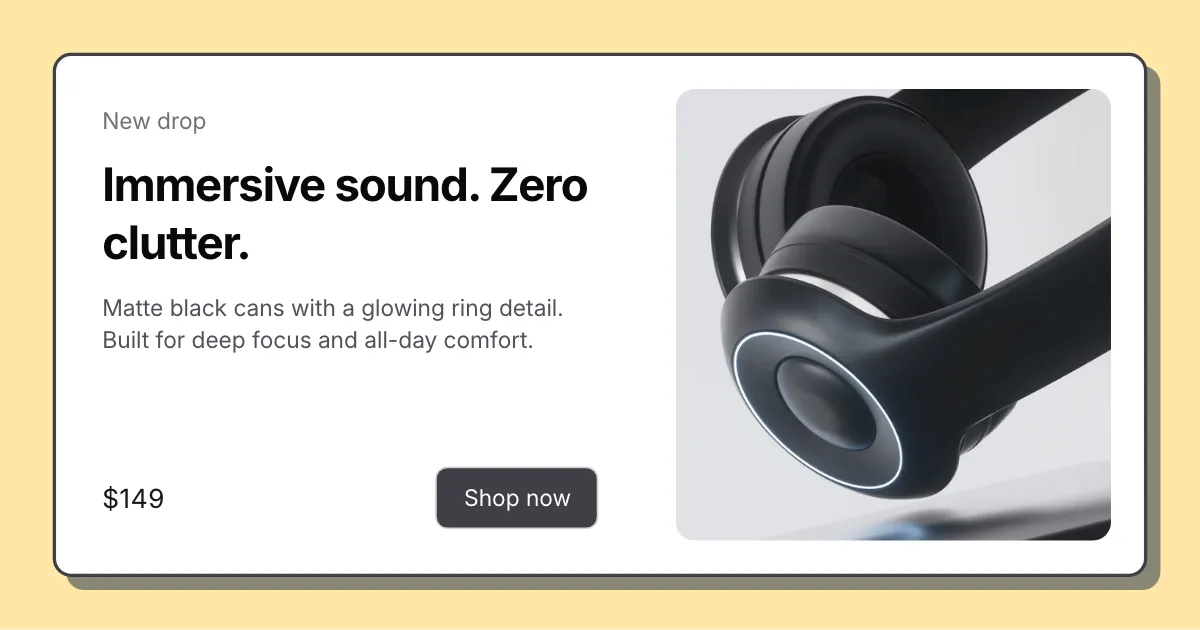
Angebote mit umrandeter weißer Karte und Schatten
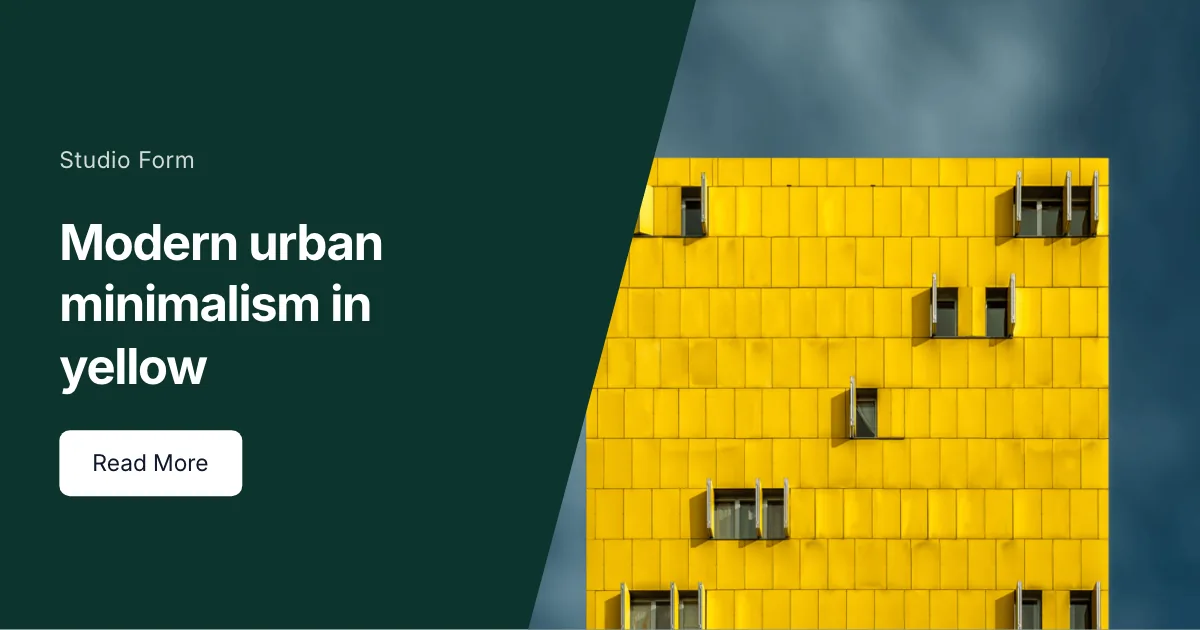
Auffällige Ankündigungen mit diagonal getrenntem Text und Bild
Einfacher Workflow
Überspringen Sie die leere Leinwand. Starten Sie mit Struktur, passen Sie Details an und exportieren Sie ein publikationsreifes Bild.
Nutzen Sie ein fertiges Layout statt einer leeren Leinwand.
Überschrift, Details und Stil bearbeiten, damit sie zu Ihrer Botschaft passen.
PNG, JPEG oder WebP herunterladen, wenn Sie bereit zum Veröffentlichen sind.
Vorlagen steuern Layout, Typografie und Textfelder. Im Editor koppeln Sie sie mit einem Format-Preset, damit der Export zum Kanal passt, ohne manuelles Skalieren.
Starten Sie mit einem Blog-Feature-Bild, Open Graph, YouTube-Thumbnail, LinkedIn-Post, X-Post, Podcast-Cover -Format, oder alle Formate ansehen.