
Learning how to make a podcast cover with the right layout and readable type helps your show look credible in directories before anyone hears the trailer. This guide walks through format choice, templates, copy, backgrounds, optional photos, export, and a practical FeatureImg workflow.
See our podcast cover size guide for recommended dimensions and platform requirements. This article focuses on the design process, not size specifications.
What a good podcast cover needs to do
A cover should do three jobs at a glance:
- Identify the show with a readable title.
- Signal tone (professional, casual, educational, narrative) through color and layout.
- Stay legible when scaled down in app grids and search results.
It does not need episode summaries, guest lists, or marketing paragraphs. Those belong in the description.
Start with a square format
Podcast artwork is square. FeatureImg’s Podcast Cover Maker uses a 1400 × 1400 px canvas so your export matches common directory expectations. For full podcast cover dimensions, platform notes, and show vs episode artwork, use the podcast cover size guide.
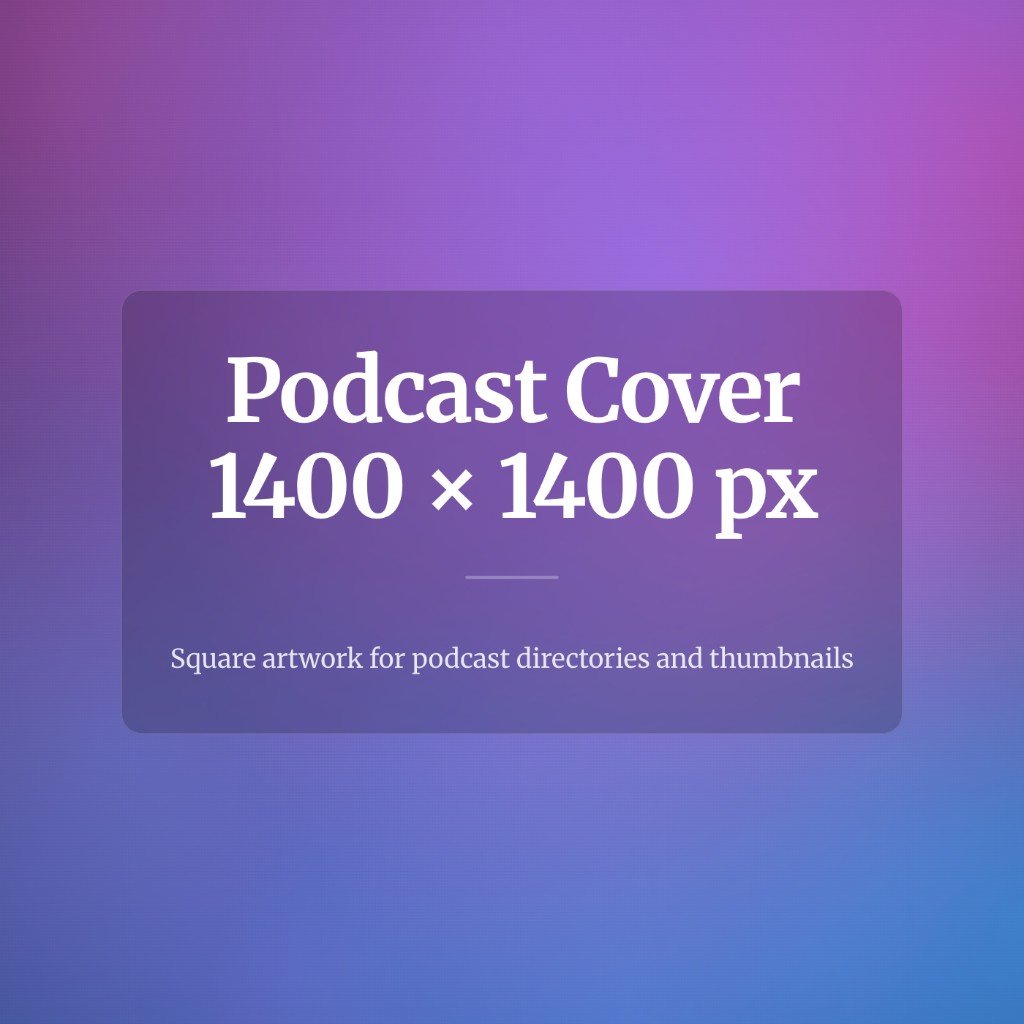
Open the podcast editor preset early so you never design on a wide canvas and crop later.
Choose a layout and template
Match the template to your show style:
- Clean editorial for interview series, news-style shows, and professional brands
- Creator bold for personality-led shows and opinion podcasts
- Product update for launches, seasons, and announcement-style covers
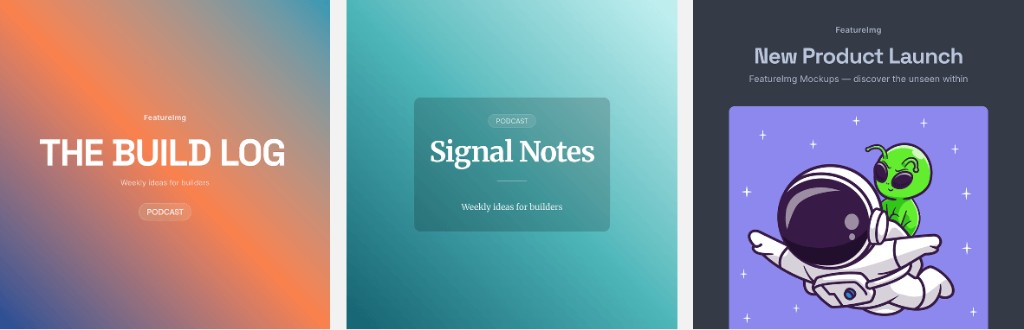
Templates set type hierarchy and spacing. You edit text fields instead of placing every element from scratch.
Write a short, readable title
Use the cover title field for the show name listeners should remember. Shorter beats clever when the image is thumbnail-sized.
If the full name is long, consider a recognizable short form on the cover and keep the long name in the podcast listing title field on your host.
Use a subtitle or host line only when it helps
A subtitle works for:
- A clear topic line (“Weekly interviews on product design”)
- A host name when the show title is abstract
- A season or limited-run label (“Season 2”)
Skip the subtitle if it repeats the title or adds a third line of small text. Two lines of type on a square cover is often the practical limit.
Choose background and contrast
Prefer backgrounds that keep type readable:
- Solid colors
- Soft gradients
- Shape presets from the editor background panel
If you add a photo, keep the headline on a clear panel or a calm overlay region. Busy photos behind small type fail quickly in podcast apps.
When to use a photo or illustration
Use a portrait or custom illustration when the host or visual identity is the brand. Use abstract color fields when the title carries the show.
Avoid generic stock scenes that could belong to any podcast. Specificity reads as intentional.
Check thumbnail readability
Before export:
- Shrink the preview mentally to a small square.
- Confirm the title is still readable without squinting.
- Check contrast on both light and dark UI chrome (some apps use dark mode lists).
Adjust type size, background, or line count if the title fades.
If you work with a co-host or producer, send a screenshot at thumbnail scale for a second opinion. A fresh pair of eyes often catches cramped type or weak contrast faster than staring at full-size art.
Plan for show updates without redesigning every week
Many shows keep one cover for months or years. That is healthy for recognition. When you refresh art (new season, rebrand, or clearer title), export a new square file at the same 1400 × 1400 px size and upload through your host.
You do not need episode-specific covers unless your host or marketing plan calls for them. Episode art is a separate workflow from show-level branding in most setups.
Export the cover
Export at the preset size from FeatureImg (PNG is a safe default). Upload the file through your podcast host’s artwork settings.
FeatureImg does not publish to Spotify, Apple Podcasts, YouTube, or other platforms. You control upload and metadata on the host you use.
Common mistakes
- Treating the cover like a full poster with paragraphs of text
- Copying a blog banner aspect ratio into a square slot
- Low contrast between title and background
- Too many logos, badges, and sponsor lines
- Skipping a small-size preview before upload
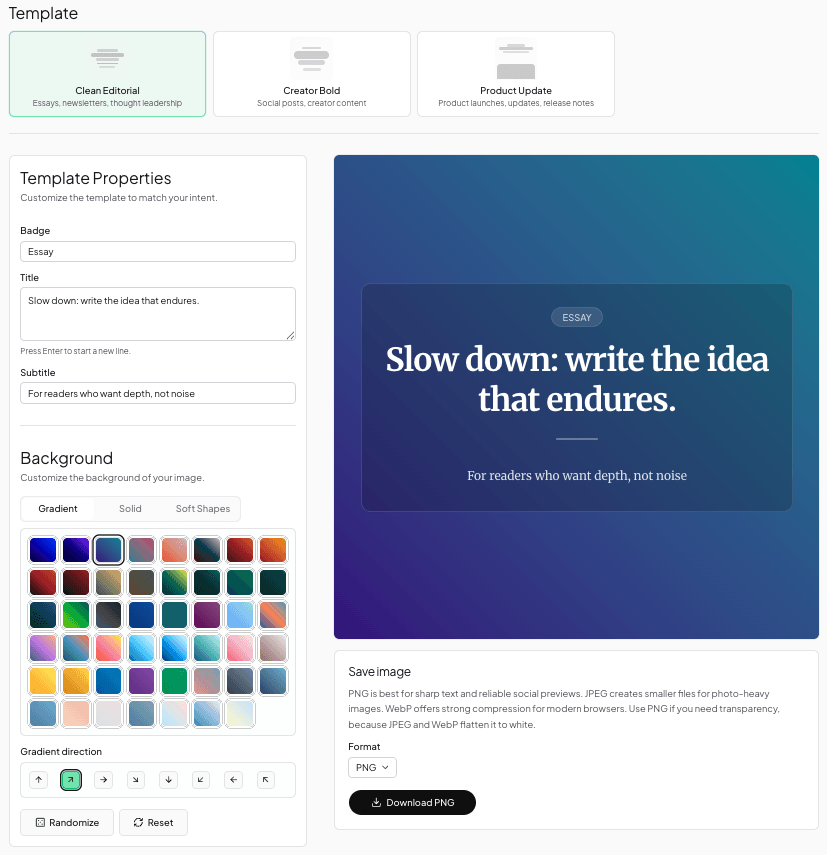
FeatureImg workflow
- Review recommended dimensions in the podcast cover size guide.
- Open the Podcast Cover Maker for template picks and FAQs.
- Launch the editor with podcast cover locked.
- Choose Clean Editorial, Creator Bold, or Product Update.
- Enter the show title and optional subtitle.
- Pick a background that preserves contrast.
- Preview at thumbnail scale.
- Export PNG, JPEG, or WebP at 1400 × 1400 px.
- Upload to your podcast host.
For visual direction by show type, browse podcast cover ideas.
Make your podcast cover
A clear square layout, a short title, and strong contrast beat decorative complexity. When you are ready to build the file, use the Podcast Cover Maker or open the podcast editor preset to start from a template and export.