
Podcast Cover Maker
Create square podcast cover art for shows, episodes, announcements, and creator branding. Start with a clean template, add your copy, and export a 1400 × 1400 image.
Recommended export size
1400×1400 px
Recommended templates
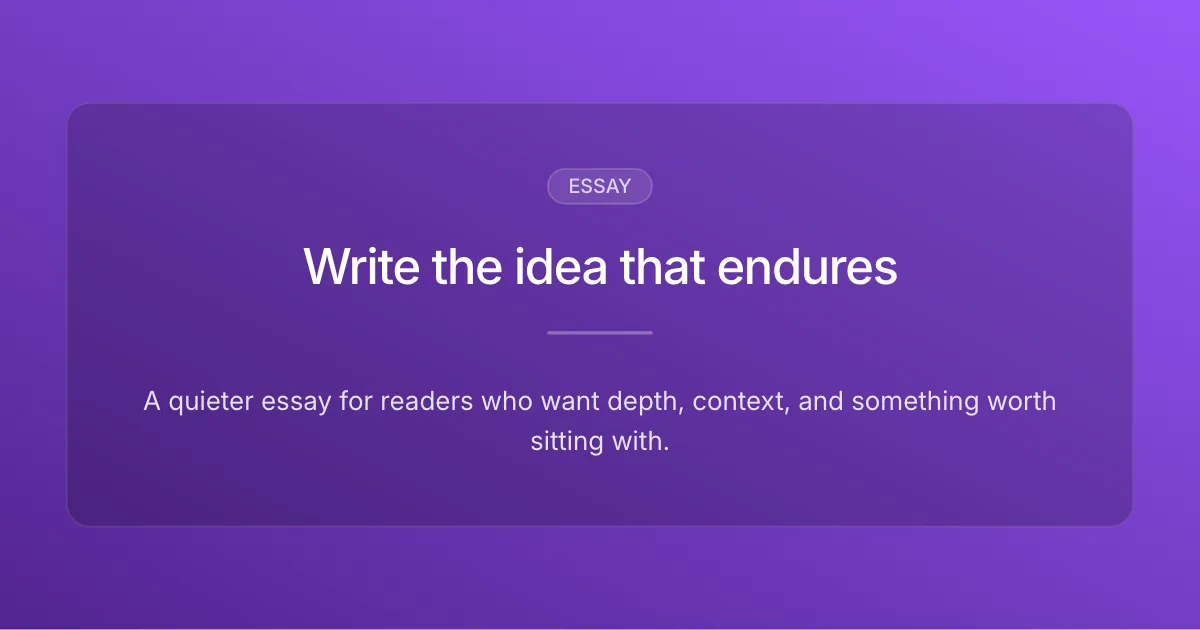
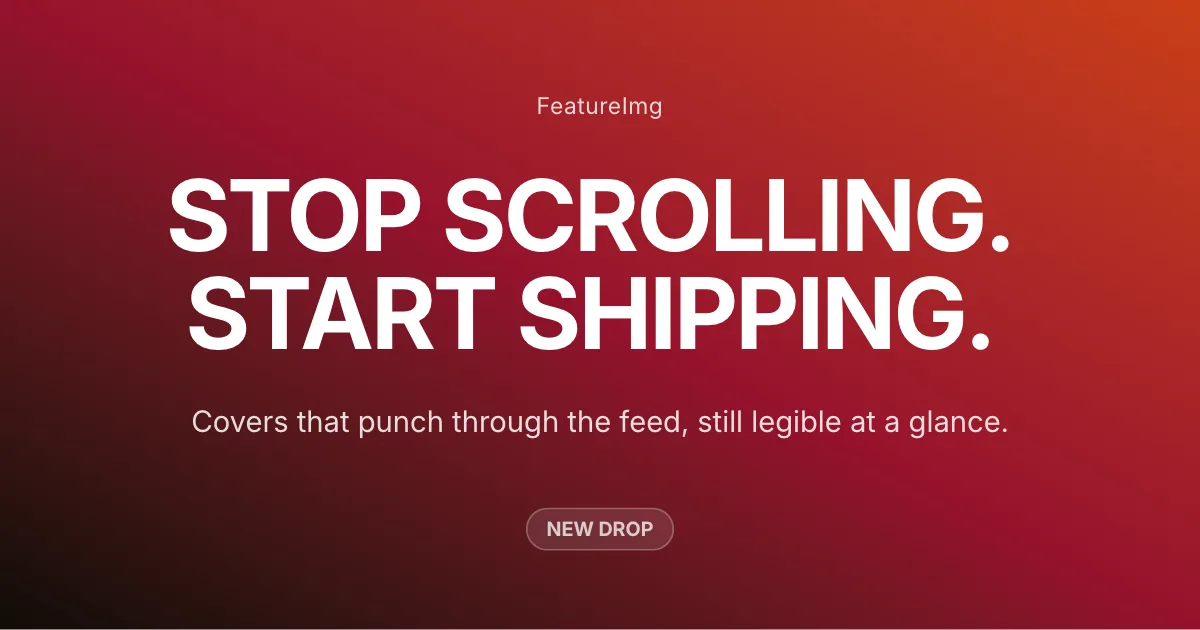
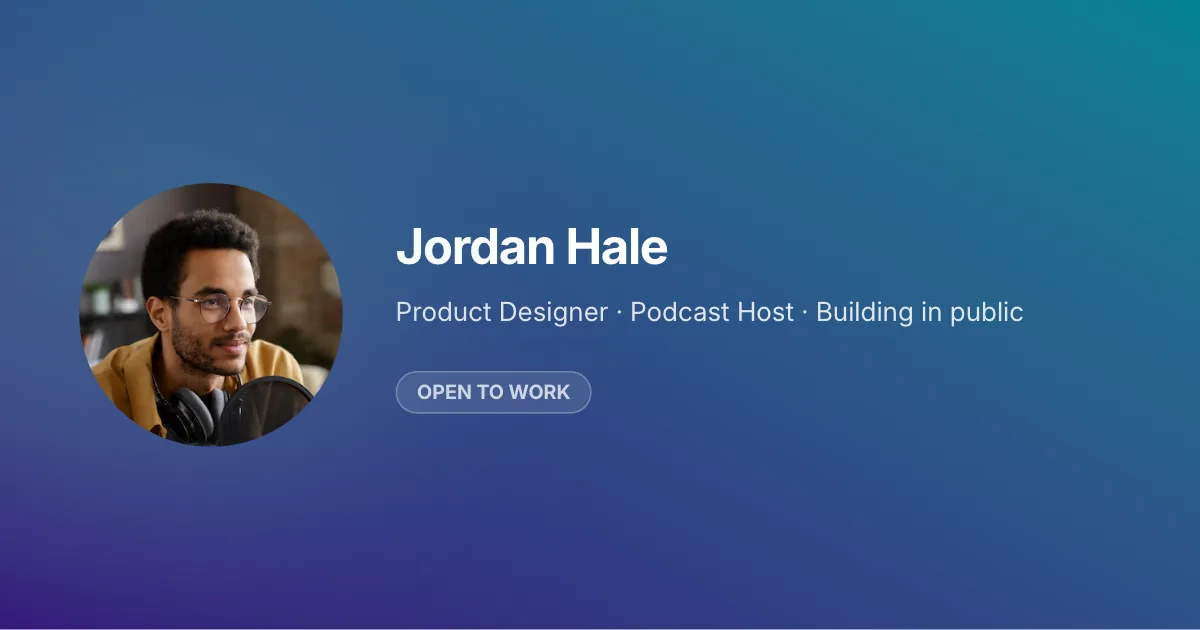
Each opens in the editor with this format preset applied. Browse all templates

How it works
- Open the Podcast Cover format so the canvas matches square artwork specs.
- Pick Clean Editorial, Creator Bold, or Product Update. Each opens at 1400 × 1400.
- Edit your title and subtitle, preview, then export PNG from the editor.
Best practices
- Keep the title short and readable at small sizes.
- Use strong contrast between text and background.
- Avoid too much subtitle text.
- Use a consistent visual style for show or episode branding.
FAQ
Related Guides
Learn more about sizes, best practices, and ways to create better images for this format.
- How-to guides
How to Make a Podcast Cover
Learn how to make a podcast cover with a clear title, strong visual hierarchy, readable text, and a clean square layout. A practical design workflow for creators.
- Design ideas
Podcast Cover Ideas for Creators
Explore practical podcast cover ideas for interview shows, solo creators, business podcasts, storytelling shows, and educational content.
- Size guides
Podcast Cover Size Guide: Size, Dimensions & Requirements
Recommended podcast cover size is 1400×1400 px (1:1). Learn podcast artwork dimensions, platform requirements, and square cover specifications.
Create your next featured image
Start with a format, choose a template, and export a clean image in minutes.