
Blog Featured Image Maker
Create blog featured images and cover graphics for articles, newsletters, and CMS posts. Start from a ready-made template, customize the text, and export a clean image.
Recommended export size
1200×630 px
Recommended templates
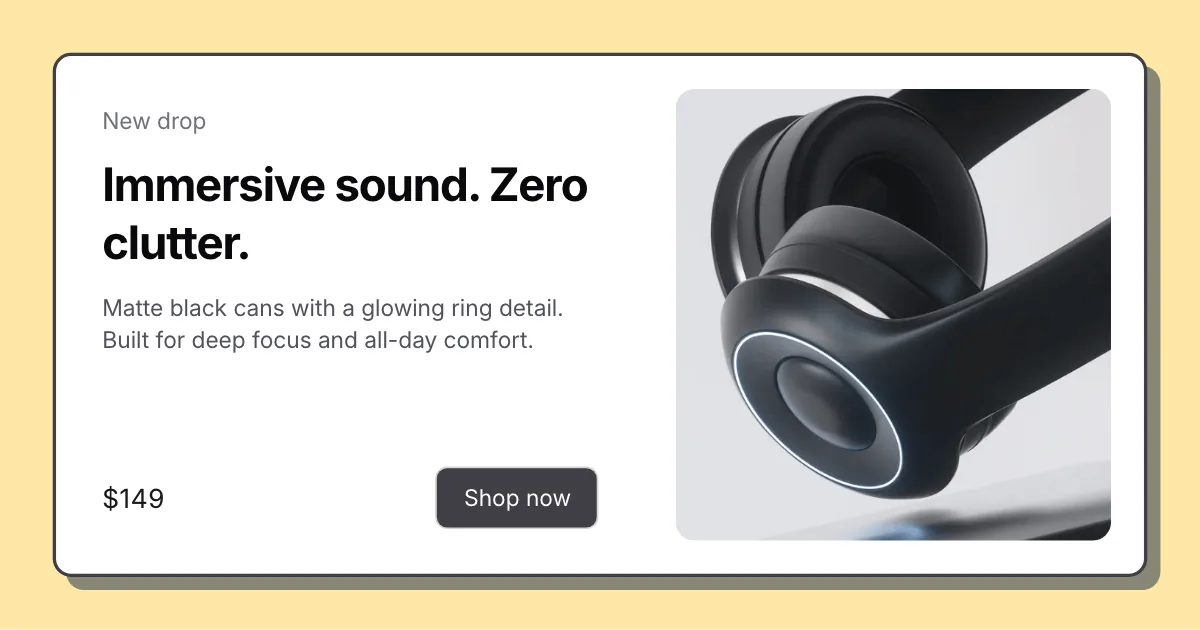
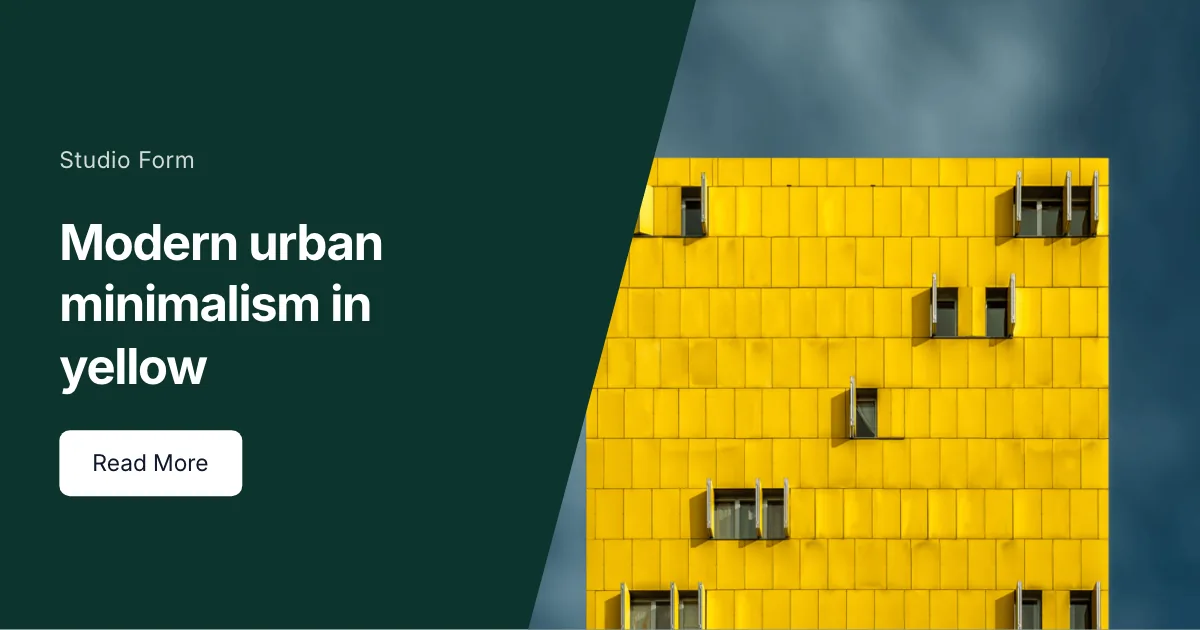
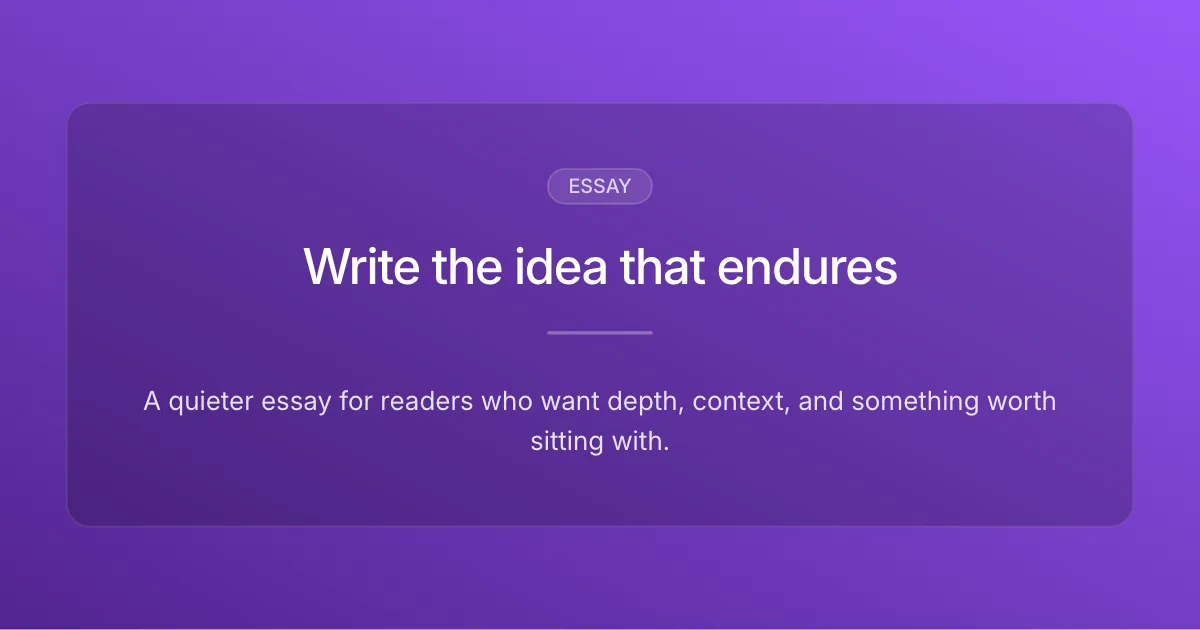
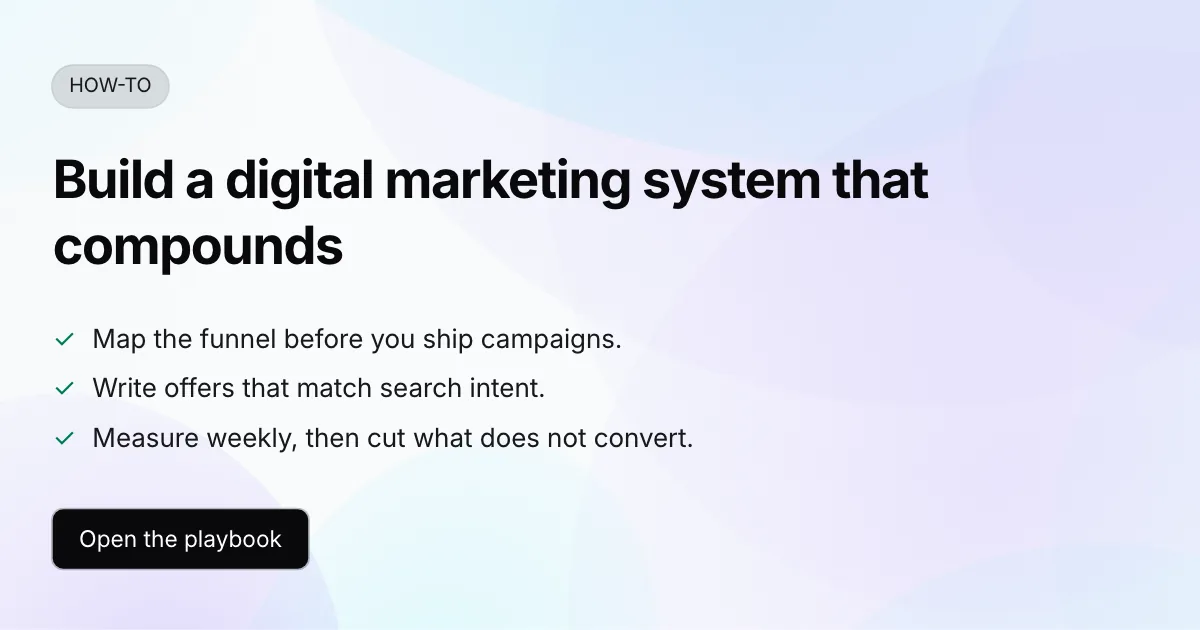
Each opens in the editor with this format preset applied. Browse all templates
Hero Split
Creator covers, launches, personal branding
Full Image Split
Visual-first covers with a full-bleed image split
Split CTA
Launch posts with a headline and clear call to action
Video Split
Keynote and talk covers with a wide side media panel
Stagger Split
Product stories with a staggered four-card media stack
Communication Pad
Brand-led stories with a hero image and supporting copy
Left Image
Visual-led covers with copy and a clear CTA on the right
Tilted Image
Playful launches with a tilted product visual
Card Split
Offer and launch cards with a bordered white panel and shadow
Diagonal Split
Bold launches with a diagonal text-and-image cut
Circle Band
Partner and launch covers with a circular portrait and colored band
Clean Editorial
Essays, newsletters, thought leadership
Tutorial Card
Tutorials, guides, how-to content
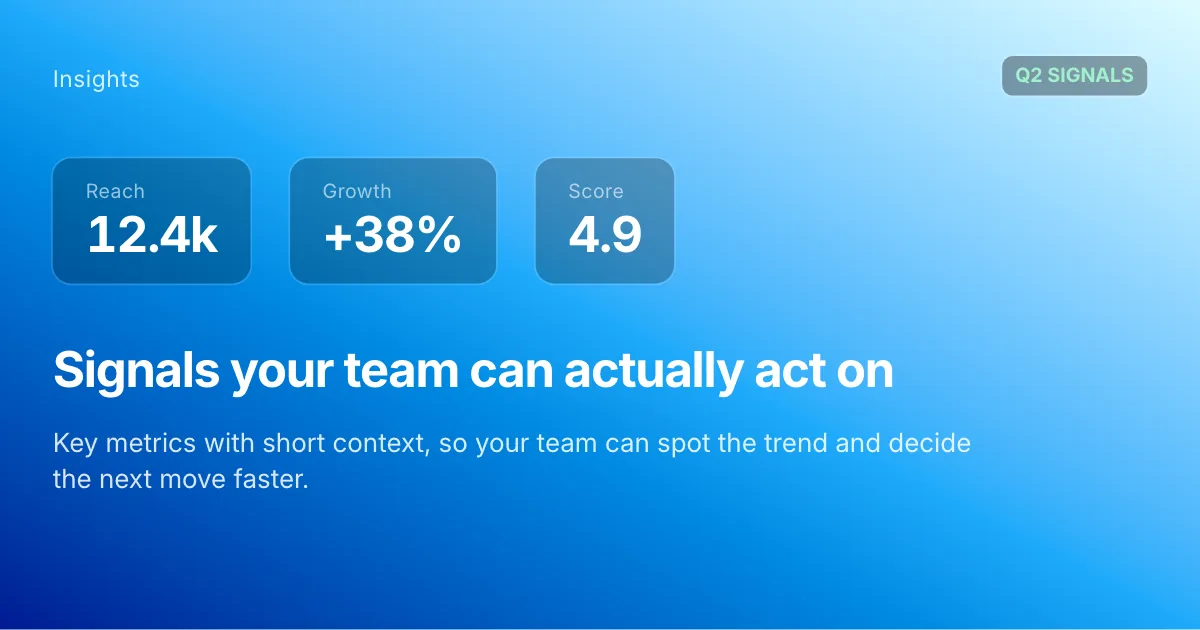
Data Report
Reports, trends, analysis
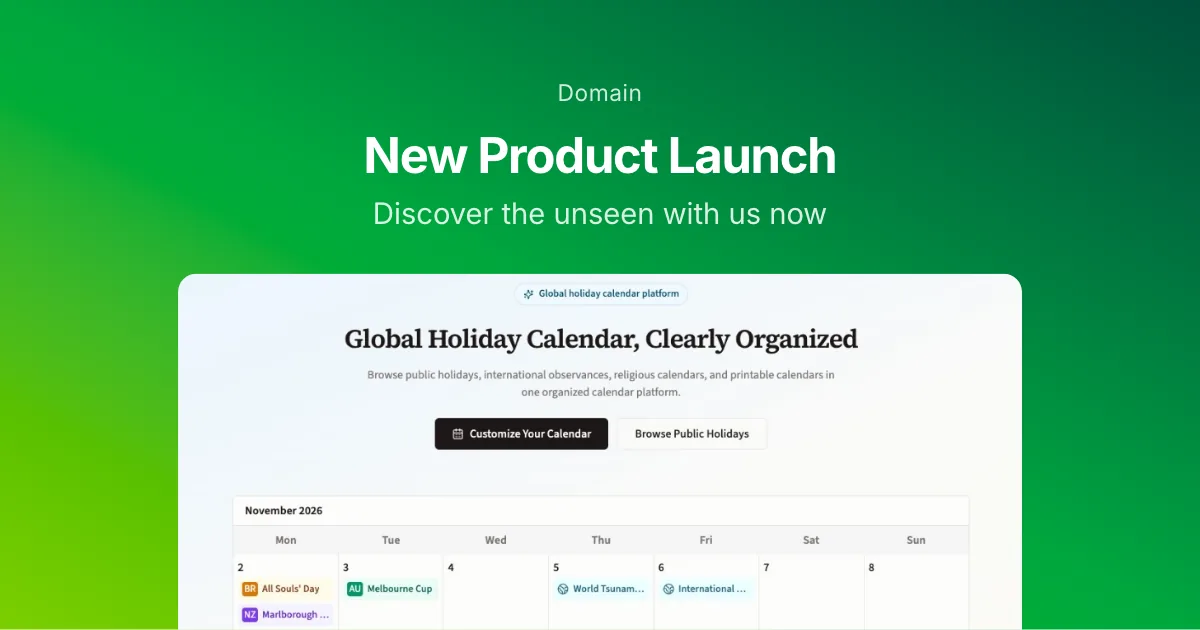
Product Update
Product launches, updates, release notes
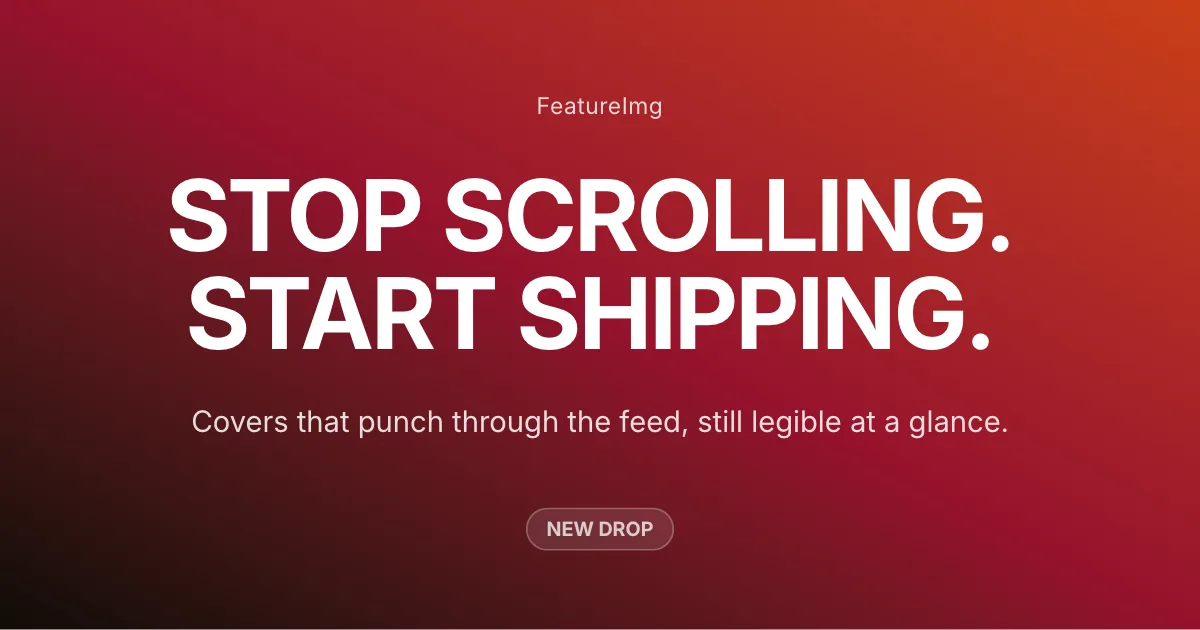
Creator Bold
Social posts, creator content
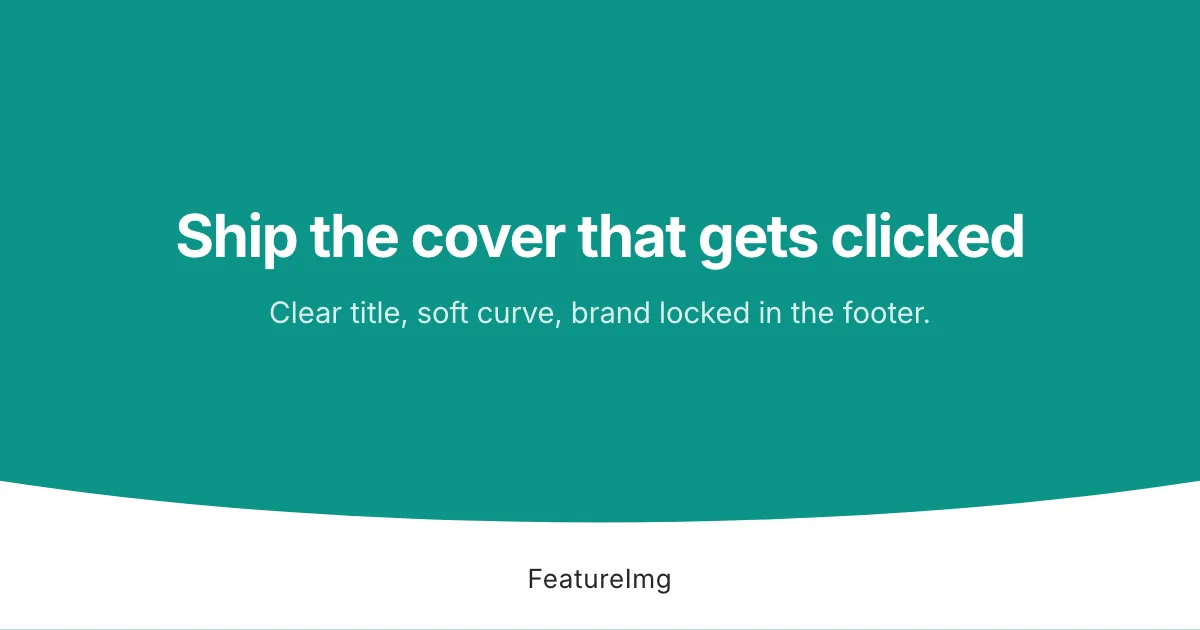
Arc Brand
Brand covers with a curved footer strip

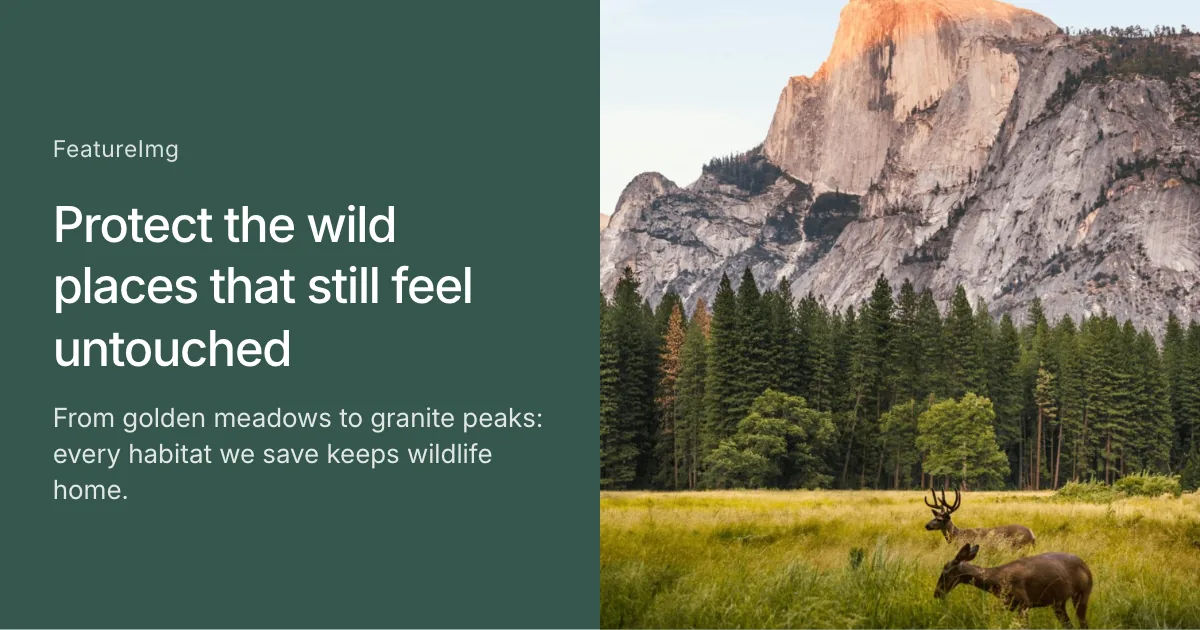
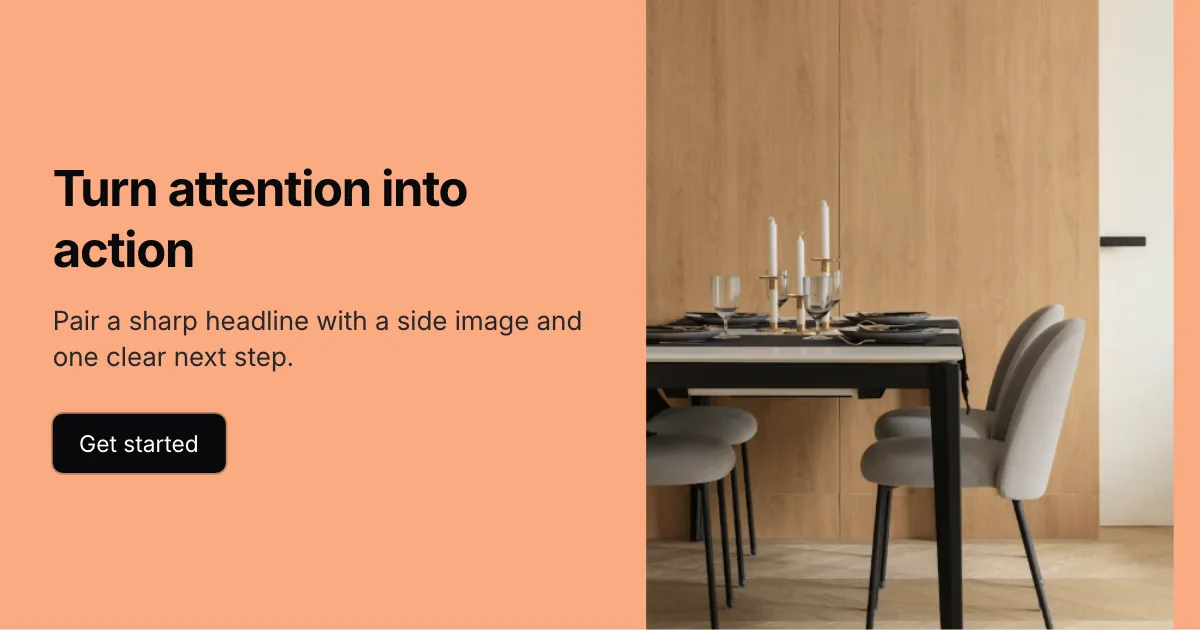



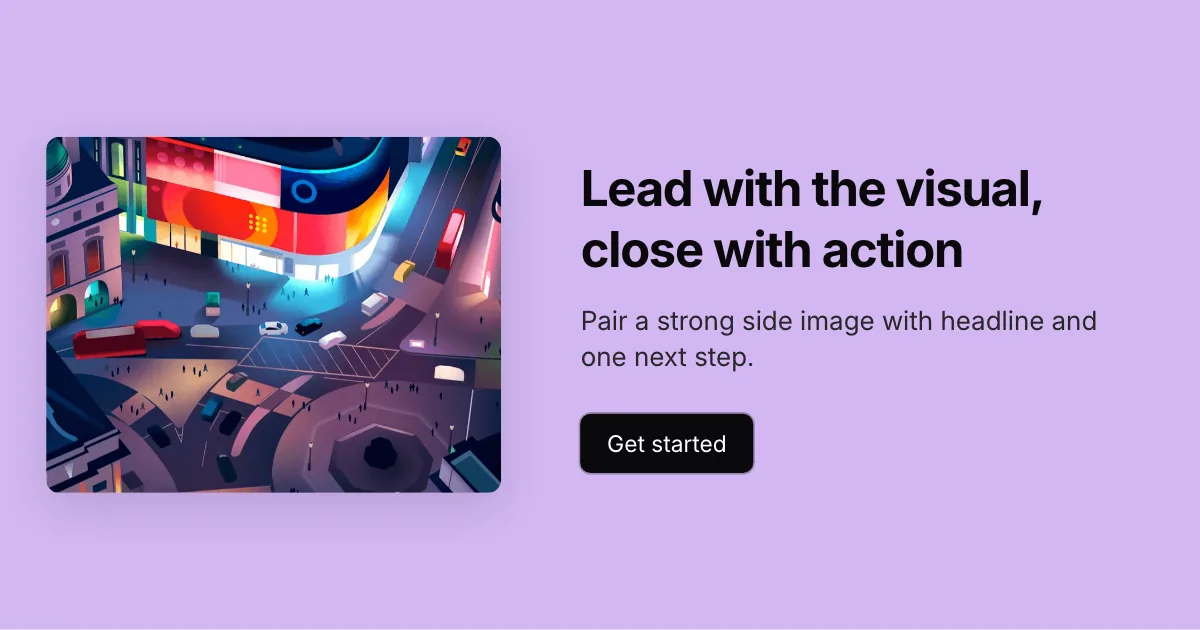
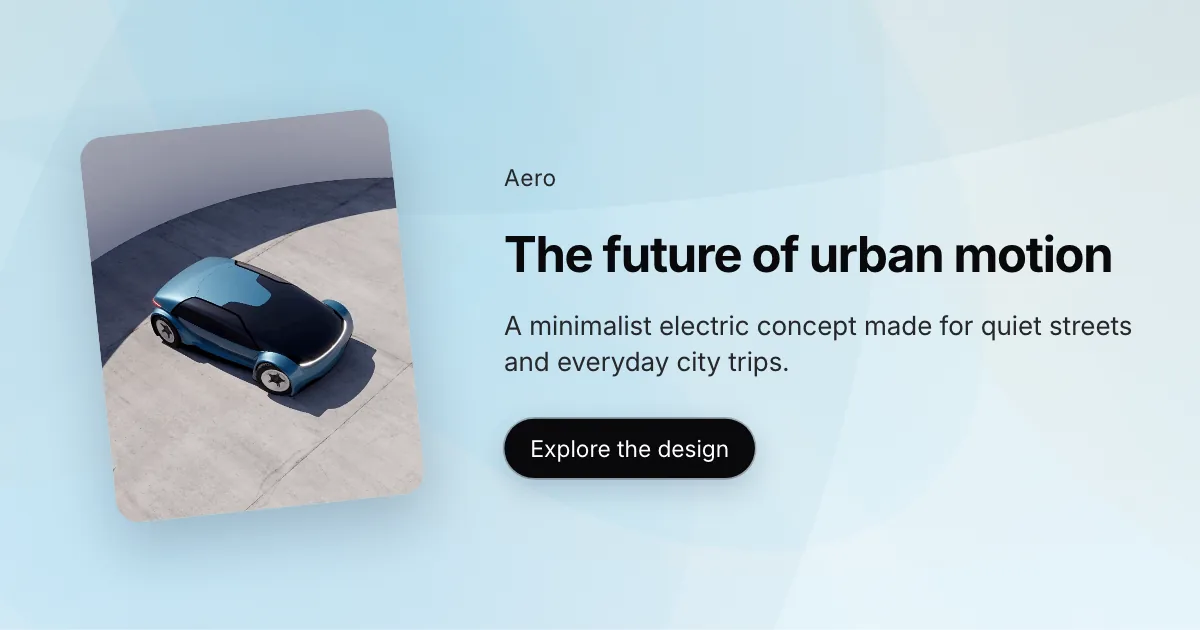

How it works
- Pick a template aligned with essays, launches, or tutorials.
- Drop in your title and subtitle. Slots stay within safe text limits.
- Export PNG at blog featured dimensions ready to upload.
Best practices
- Lead with the promise of the post in the title.
- Leave breathing room around text for responsive crops.
- Preview how it reads on both light and dark feed backgrounds.
FAQ
Related Guides
Learn more about sizes, best practices, and ways to create better images for this format.
- Design ideas
Blog Featured Image Ideas for Creators and Builders
Explore practical blog featured image ideas for tutorials, product updates, opinion posts, guides, and creator content.
- Size guides
Blog Featured Image Size: 1200×630 px and Crop Tips
Start with a 1200×630 px blog cover, then check your theme's crop. Compare WordPress and Ghost featured image settings before you export.
- How-to guides
How to Create a Blog Featured Image
Learn how to create a blog featured image with the right size, layout, readable text, background, and export settings.
Create your next featured image
Start with a format, choose a template, and export a clean image in minutes.