
Xiaohongshu Cover Size: 1080×1440 RedNote Maker
Make Xiaohongshu, RedNote, or XHS note covers online with vertical templates. Edit the headline, upload a product or lifestyle photo when you need one, and export PNG at 1080×1440 (3:4)—no design software or account required.
Recommended export size
1080×1440 px
Recommended templates
Each opens in the editor with this format preset applied. Browse all templates
Quote Cover
Square and vertical quote covers with author attribution
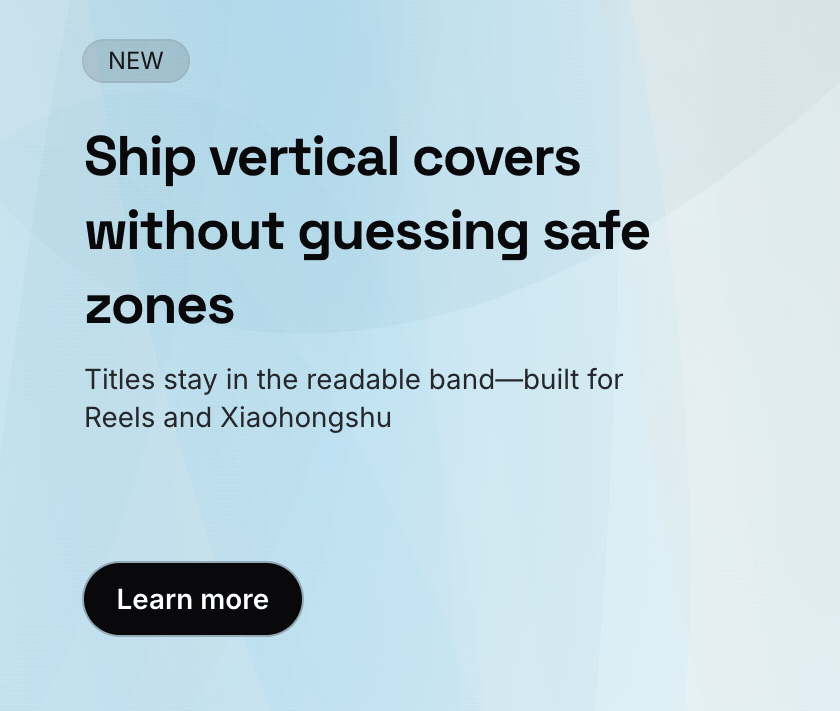
Top Label Cover
Reels and note covers with a badge and headline up top
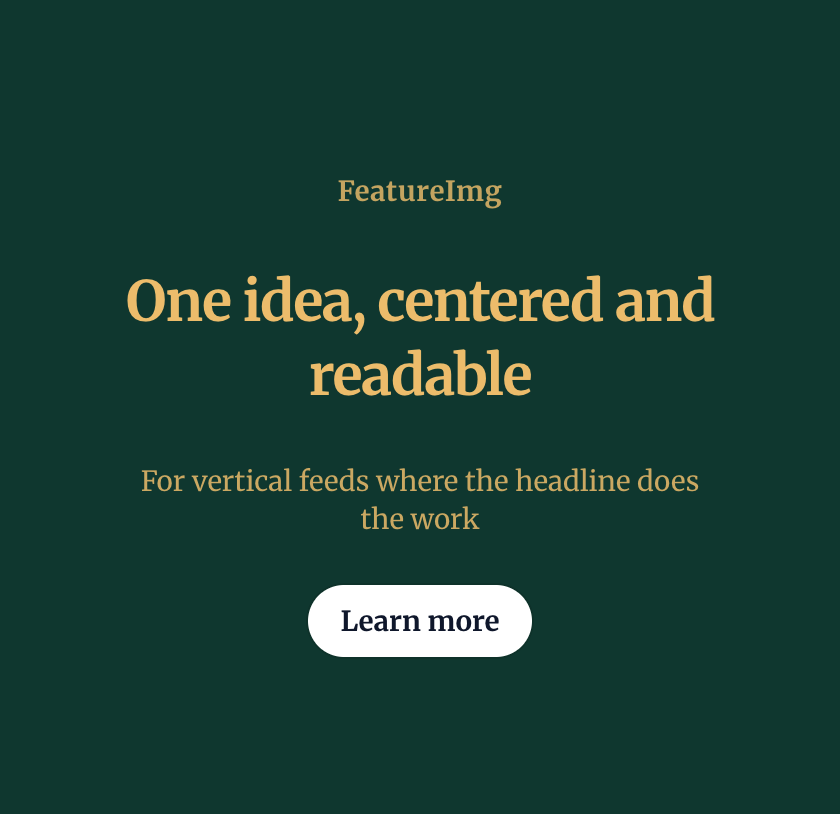
Center Text Cover
Copy-led vertical covers with centered headlines
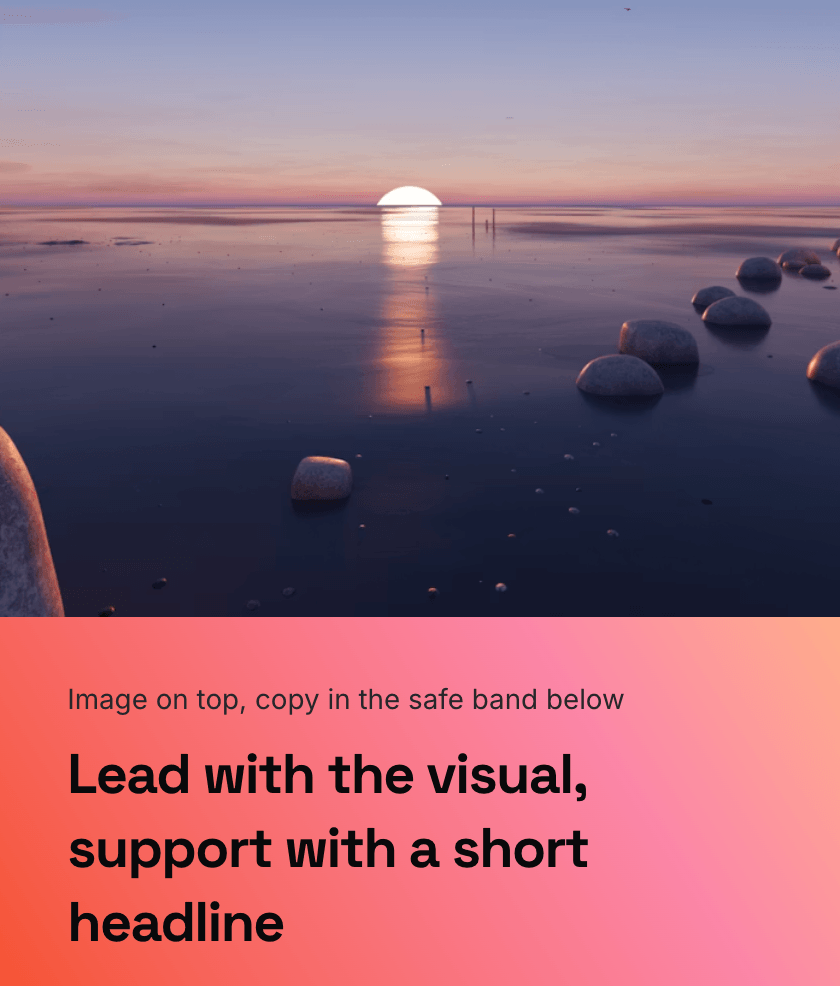
Image Hero Cover
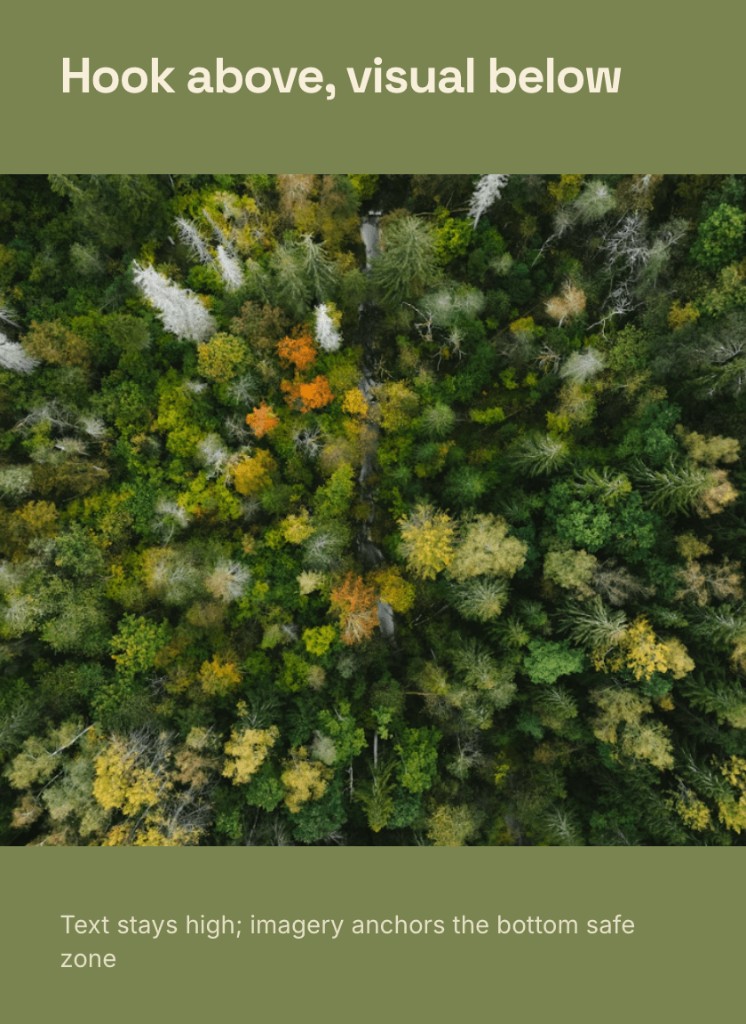
Visual-first vertical covers with text below the hero image
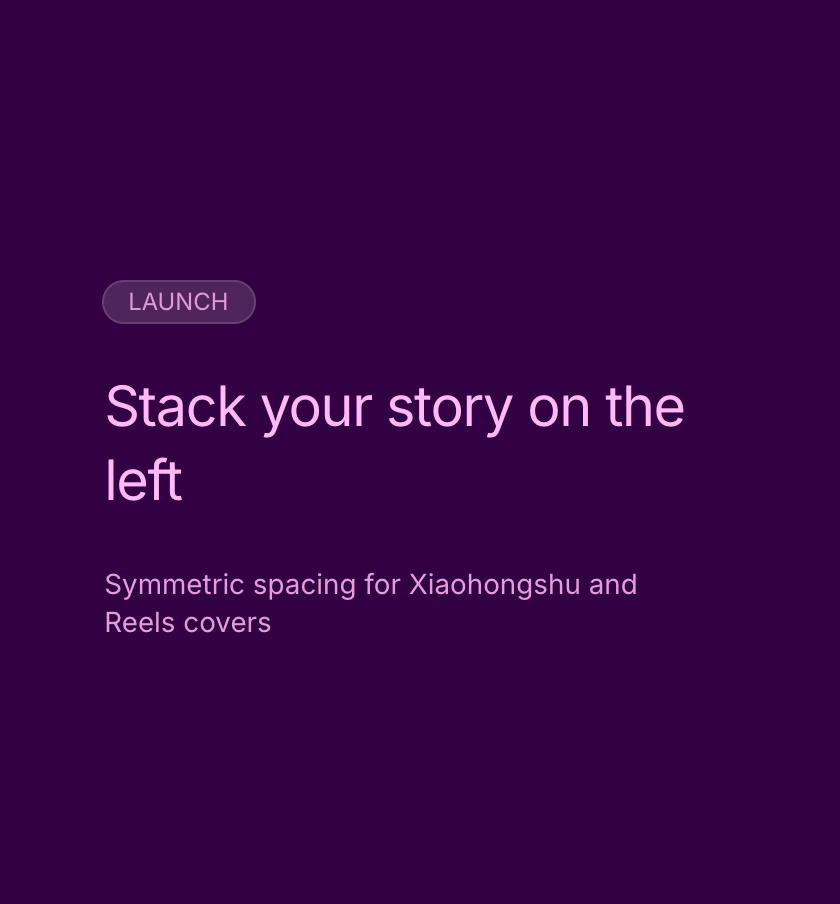
Left Stack Cover
Left-aligned badge, title, and subtitle stacked in the vertical center of the canvas
Middle Image Cover
Headline on top with a large image in the lower zone
Image Card Cover
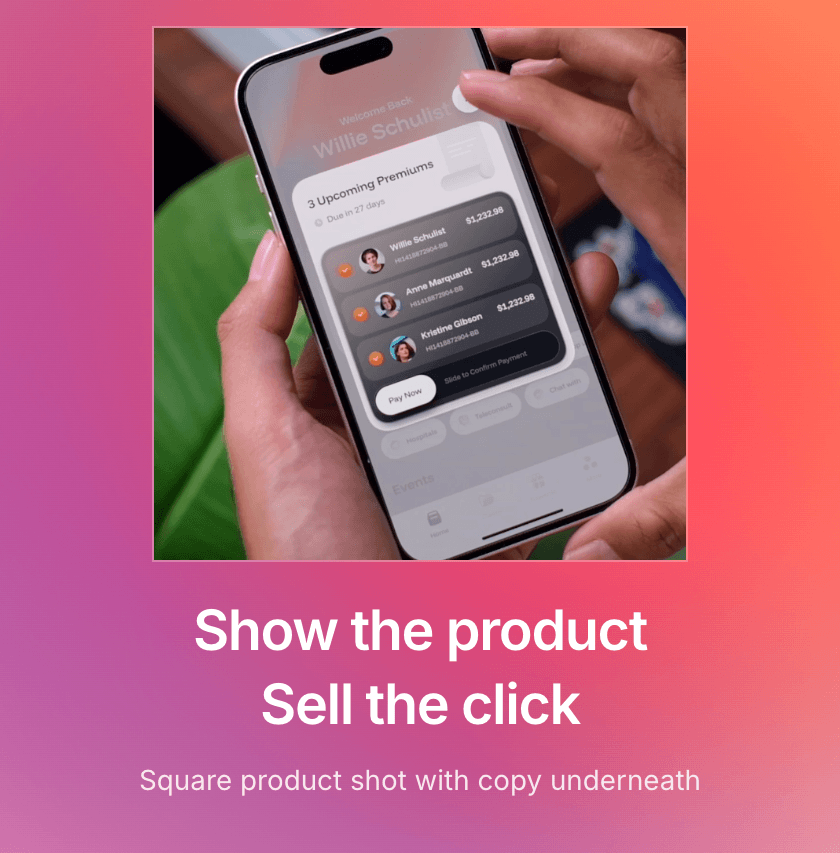
Card-style product shots with title and optional CTA
Bottom Image Cover
Centered badge and copy above a square product card

How it works
- Open the Xiaohongshu Cover format so the canvas locks to 1080×1440 (3:4).
- Choose a template for product shots, lifestyle notes, or tutorial/listicle covers.
- Edit the title, add an optional image, then export PNG ready for RedNote / XHS posts.
Best practices
- Lead with one clear title—product, tip, or listicle hook—in the central safe area.
- Image-card layouts suit product and lifestyle photos; keep the headline short below or above the shot.
- Tutorial and listicle covers work best with high contrast and one promise per frame.
- Test light and dark backgrounds so text stays readable after feed compression.
FAQ
Create your next featured image
Start with a format, choose a template, and export a clean image in minutes.