
OG Image Generator
Create a 1200×630 Open Graph image for link previews—no design software or account required. Pick a template, edit your title, export PNG or JPEG (test WebP before using it as og:image), then set og:image on your page.
Recommended export size
1200×630 px
Recommended templates
Each opens in the editor with this format preset applied. Browse all templates
Hero Split
Creator covers, launches, personal branding
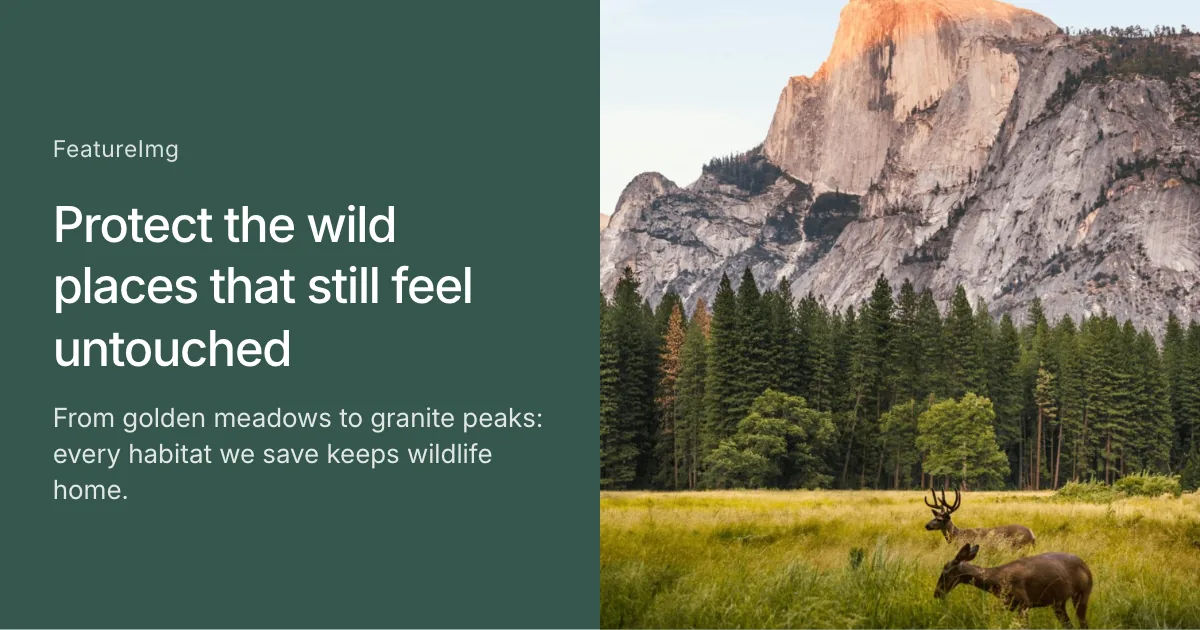
Full Image Split
Visual-first covers with a full-bleed image split
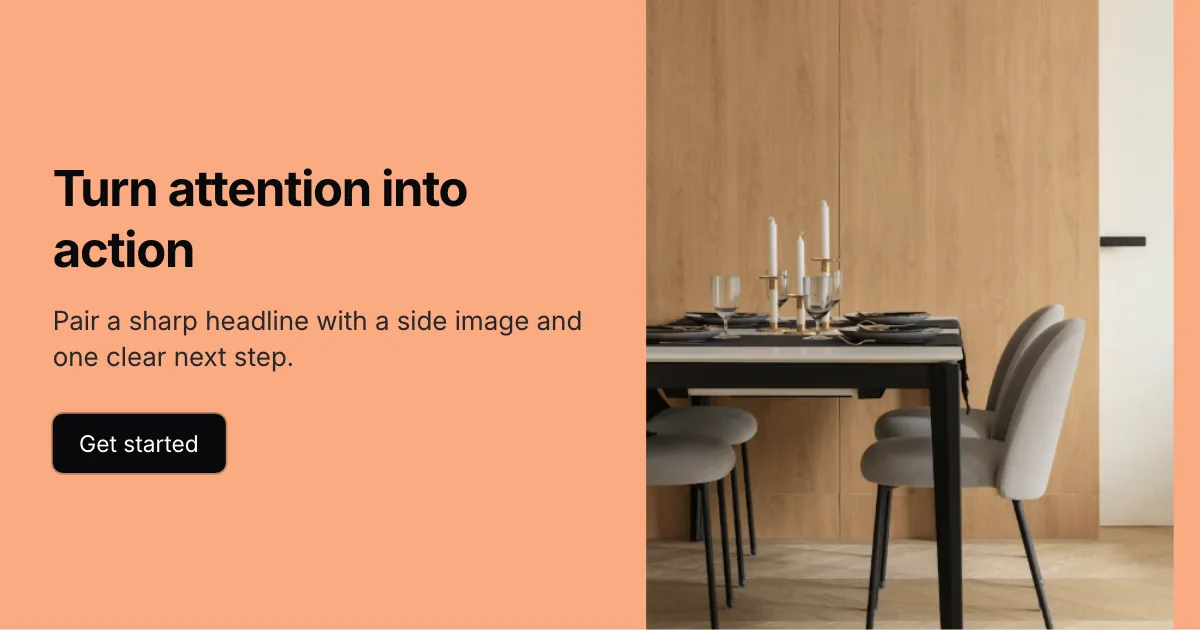
Split CTA
Launch posts with a headline and clear call to action
Video Split
Keynote and talk covers with a wide side media panel
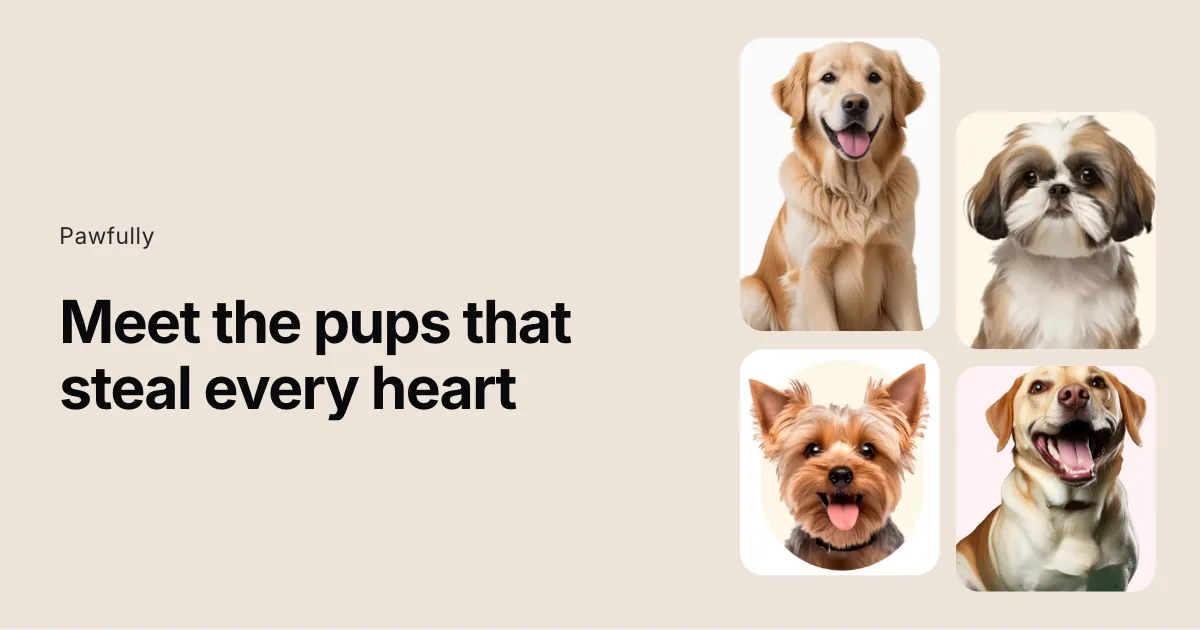
Stagger Split
Product stories with a staggered four-card media stack
Communication Pad
Brand-led stories with a hero image and supporting copy
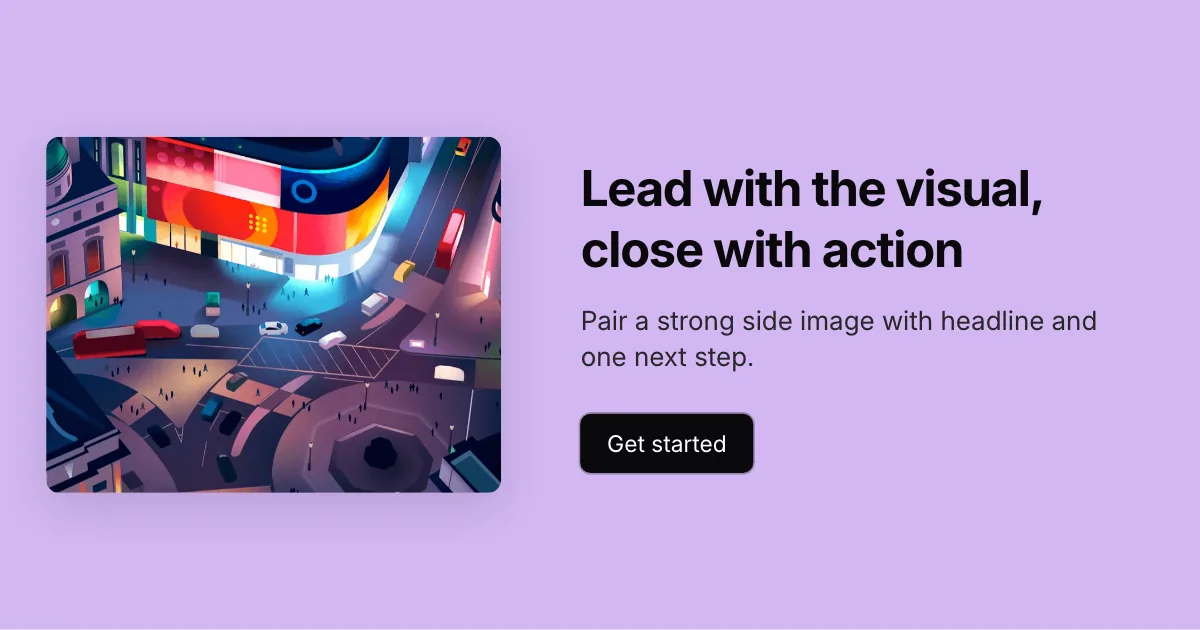
Left Image
Visual-led covers with copy and a clear CTA on the right
Tilted Image
Playful launches with a tilted product visual
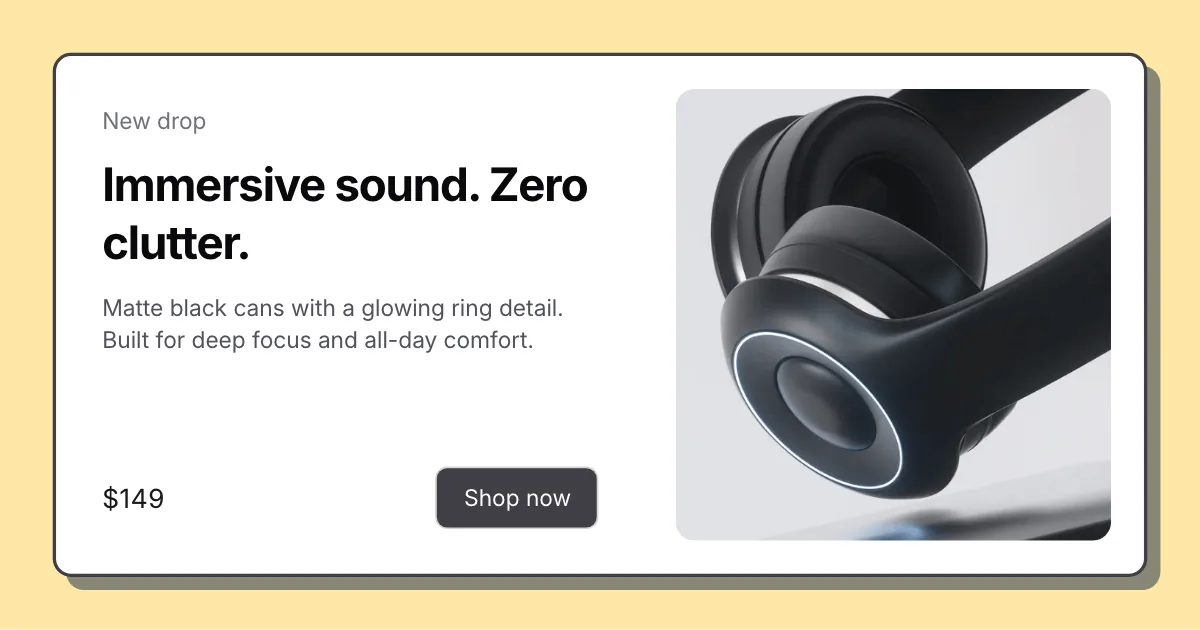
Card Split
Offer and launch cards with a bordered white panel and shadow
Diagonal Split
Bold launches with a diagonal text-and-image cut
Circle Band
Partner and launch covers with a circular portrait and colored band
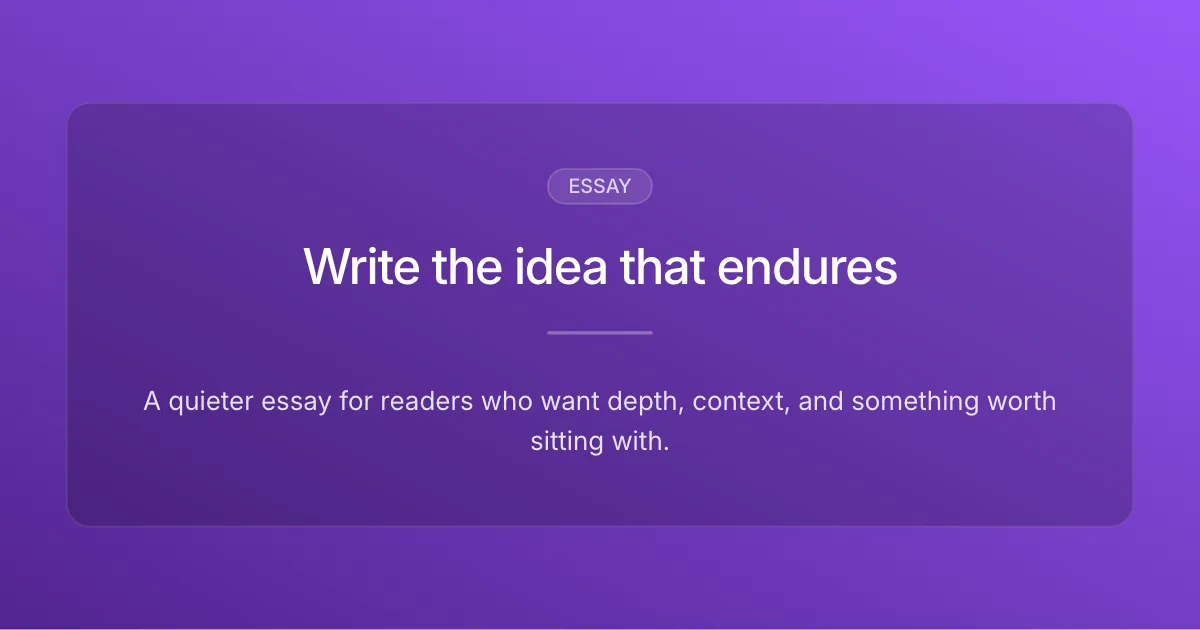
Clean Editorial
Essays, newsletters, thought leadership
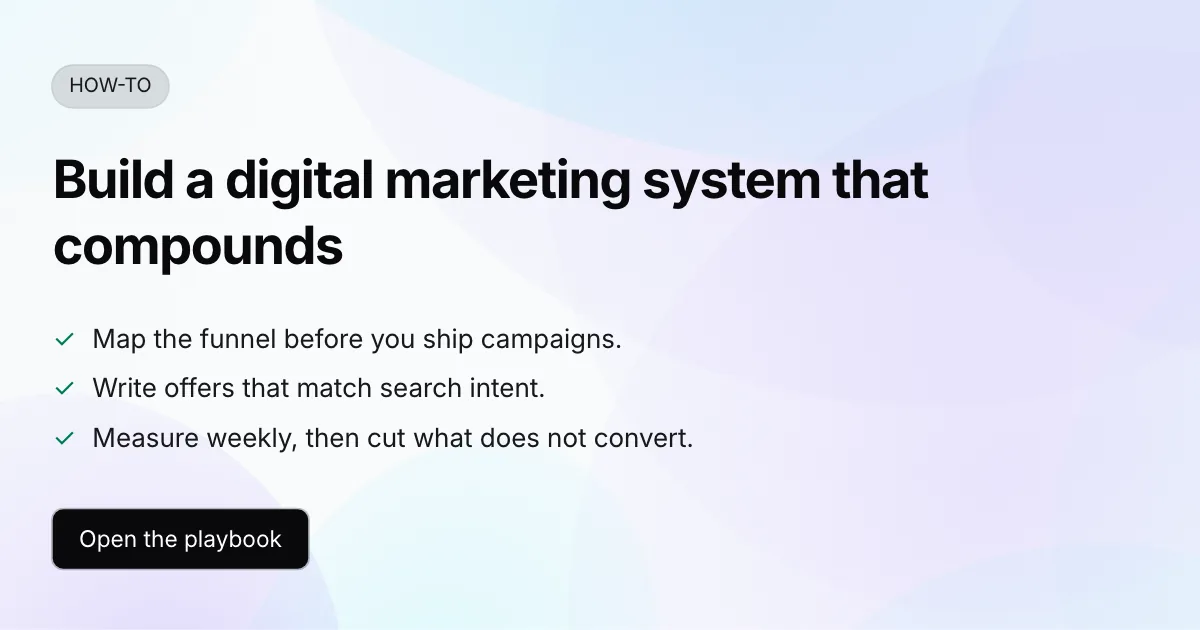
Tutorial Card
Tutorials, guides, how-to content
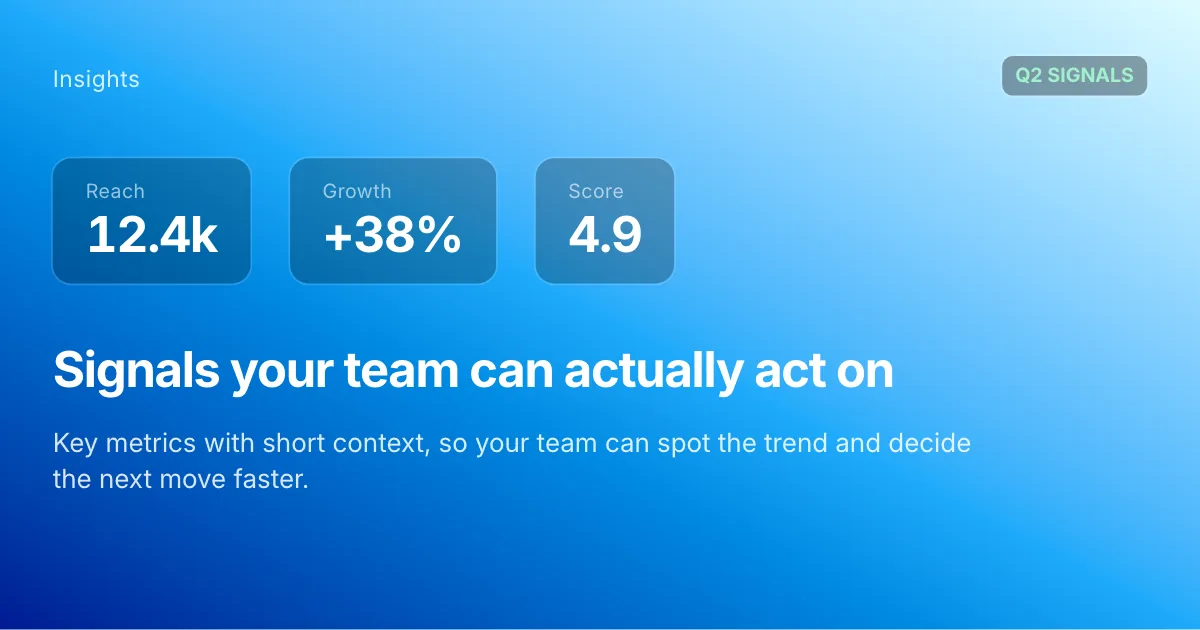
Data Report
Reports, trends, analysis
Product Update
Product launches, updates, release notes
Creator Bold
Social posts, creator content
Arc Brand
Brand covers with a curved footer strip






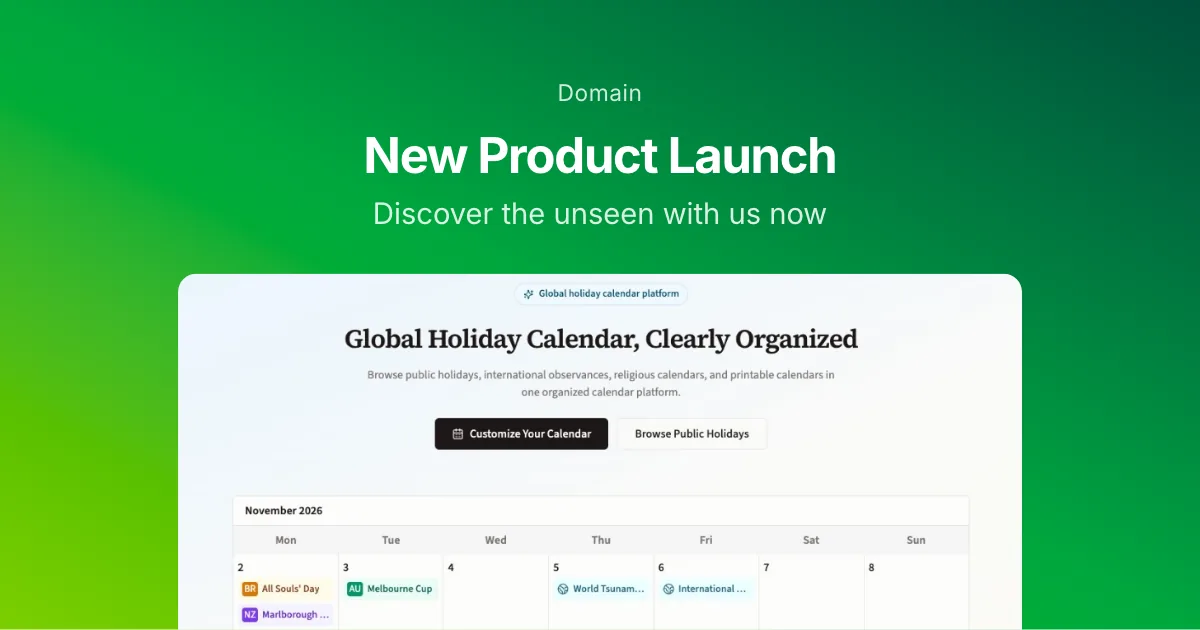
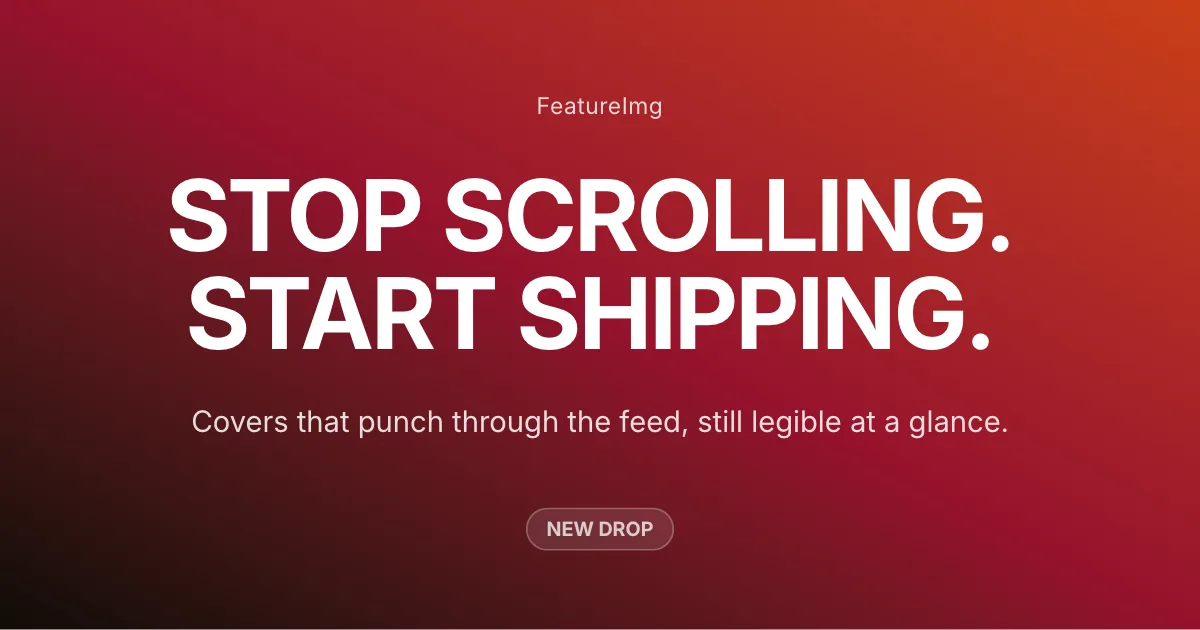

How it works
- Open the OG image generator with the Open Graph format locked to 1200×630.
- Choose a template that fits the page you are sharing (text-led or split layouts).
- Edit title and subtitle, then adjust background, contrast, and optional imagery.
- Export PNG or JPEG, upload the file to your site, and set og:image to that URL.
Best practices
- Target about 1200×630 px, the common default for rich link previews.
- Keep the headline short enough to read at thumbnail size in feeds and chat.
- Use strong contrast; platforms often recompress images aggressively.
- Put the key words in the first half of the title in case edges are cropped.
- Prefer PNG or JPEG for og:image (Meta lists JPEG, GIF, and PNG for og:image:type). Test WebP before relying on it, then set og:image and twitter:image to the final public URL.
- Re-check the preview in Slack or LinkedIn after changing the image; some caches keep the old card until refreshed.
Implement Open Graph images in your website
After you generate an OG image, upload the file to a public path on your site and set og:image (and usually twitter:image) to that URL. Include width, height, and alt so crawlers can render the card reliably. Prefer PNG or JPEG for the widest link-preview compatibility; test WebP before using it as og:image.
<!-- Basic Open Graph tags -->
<meta property="og:title" content="Your page title" />
<meta property="og:description" content="Your page description" />
<meta property="og:image" content="https://yourdomain.com/og-image.png" />
<meta property="og:image:width" content="1200" />
<meta property="og:image:height" content="630" />
<meta property="og:image:alt" content="Open Graph image" />
<meta property="og:image:type" content="image/png" />
<meta property="og:url" content="https://yourdomain.com/page" />
<meta property="og:type" content="website" />
<meta name="twitter:card" content="summary_large_image" />
<meta name="twitter:image" content="https://yourdomain.com/og-image.png" />
FAQ
Related Guides
Learn more about sizes, best practices, and ways to create better images for this format.
- Tool workflow
Best Open Graph Image Generators Compared (2026)
Compare Open Graph image generators for social previews. See how FeatureImg, OpenGraph.xyz, and Bannerbear differ on templates, editing, export, and workflow.
- How-to guides
How to Create an Open Graph Image
Learn how to create an Open Graph image for blog posts, landing pages, product launches, and social shares. Use templates to design a clean link preview image online.
- Design ideas
Open Graph Image Examples
Explore Open Graph image examples for blog posts, landing pages, product launches, and social shares. Learn what makes a better link preview image.
Create your next featured image
Start with a format, choose a template, and export a clean image in minutes.