

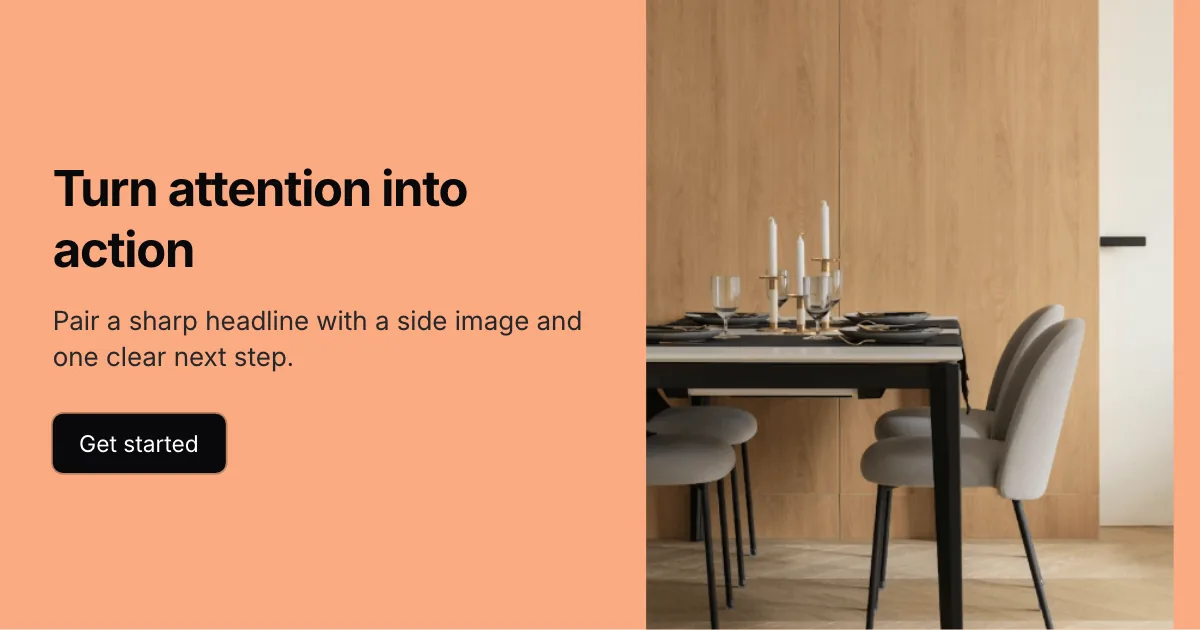
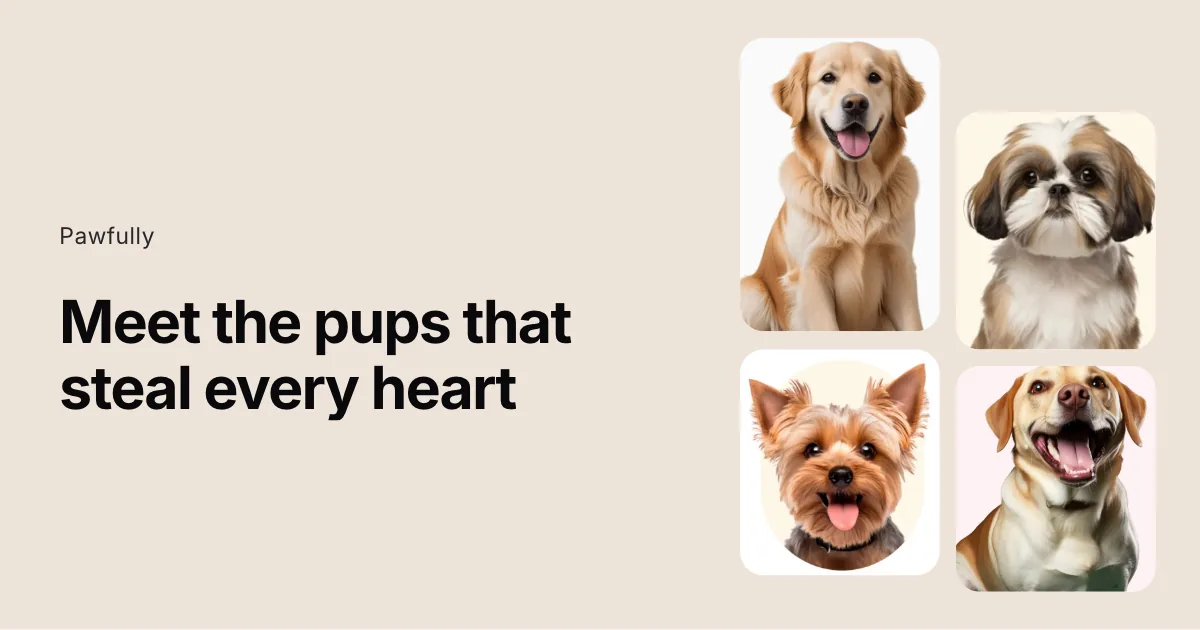

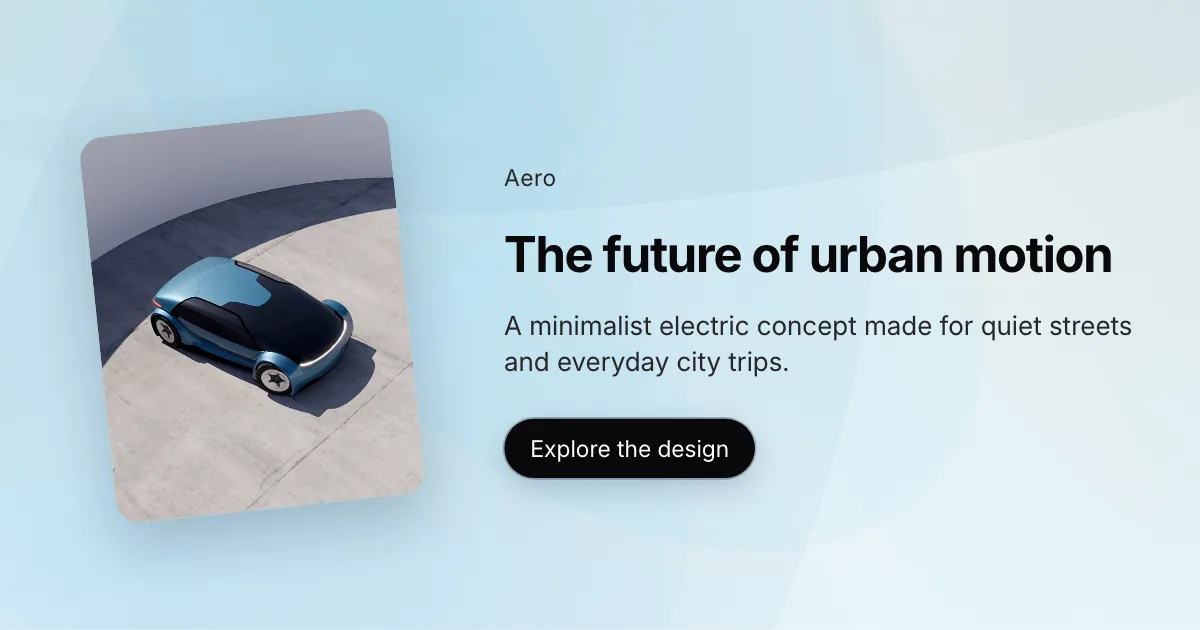
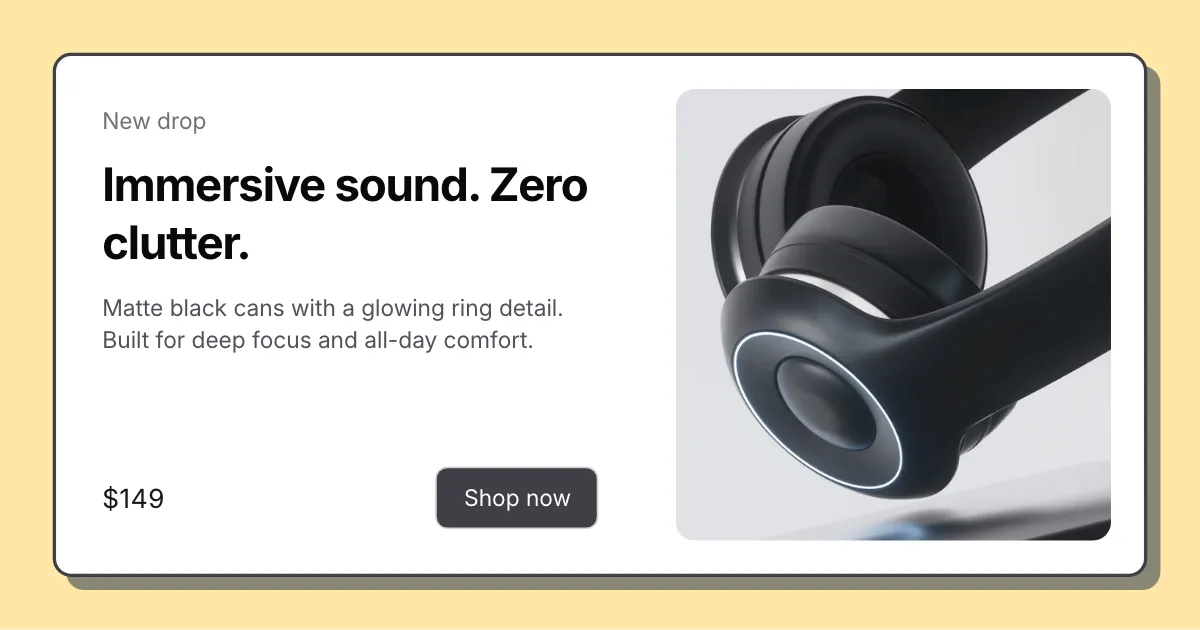
Step 1: テンプレートを選ぶ
白紙ではなく既製レイアウトを使います。
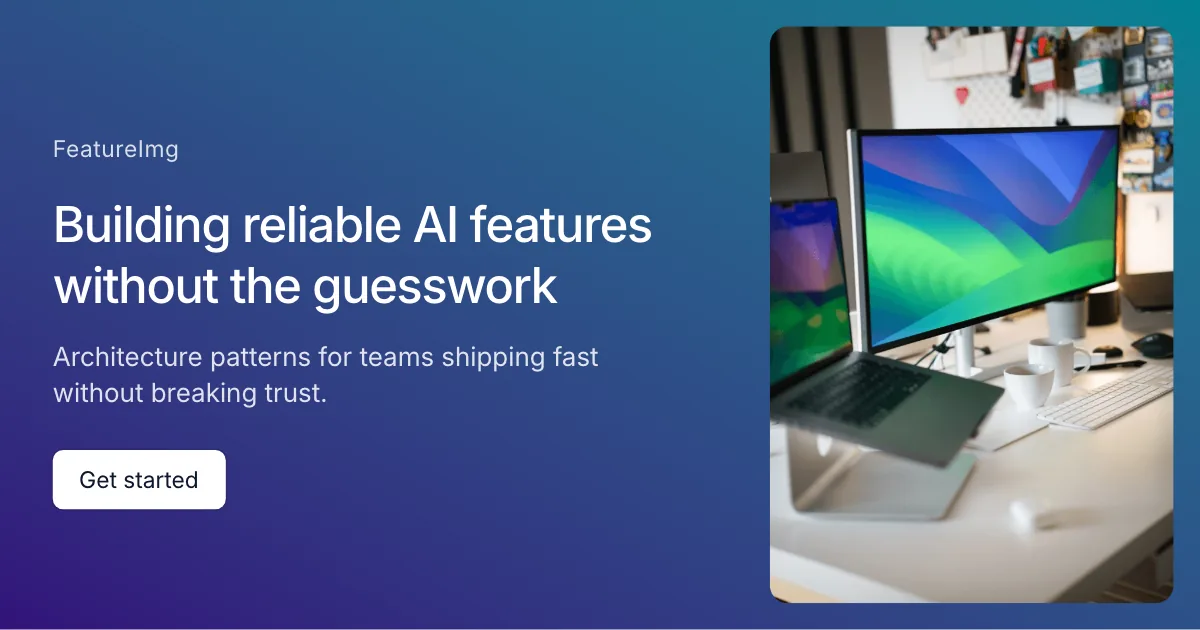
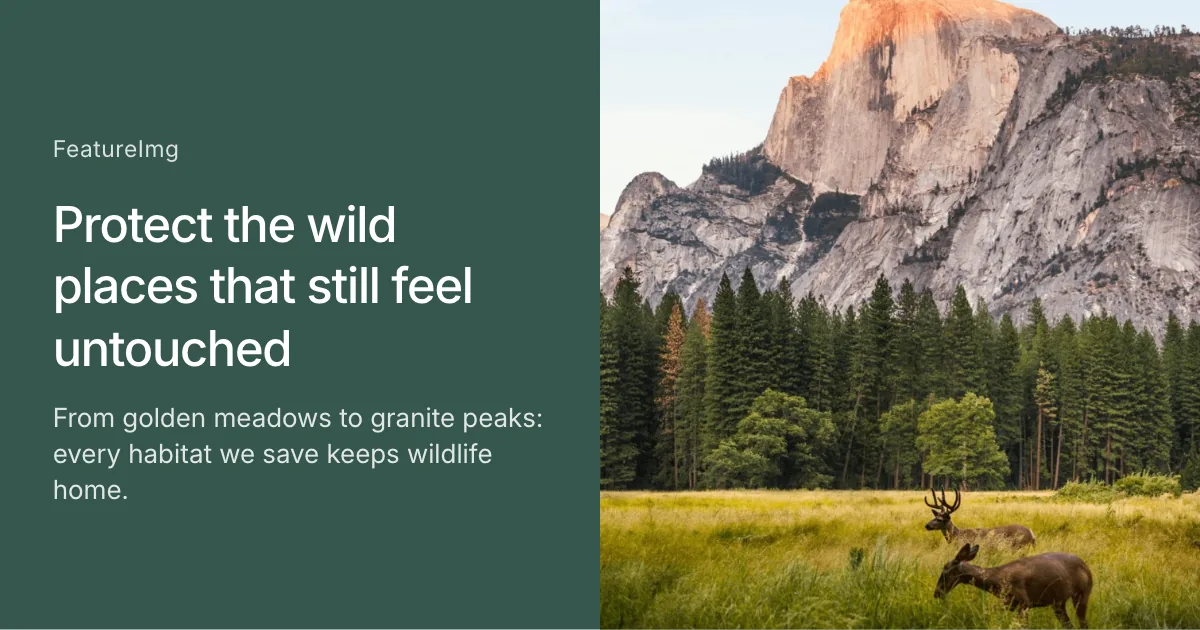
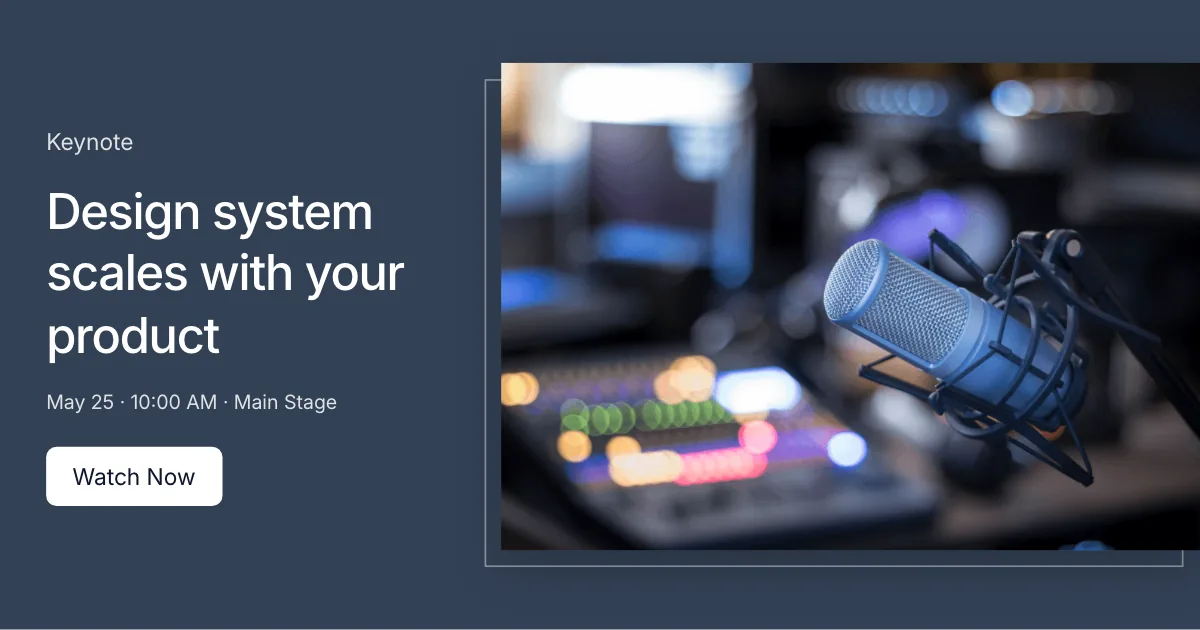
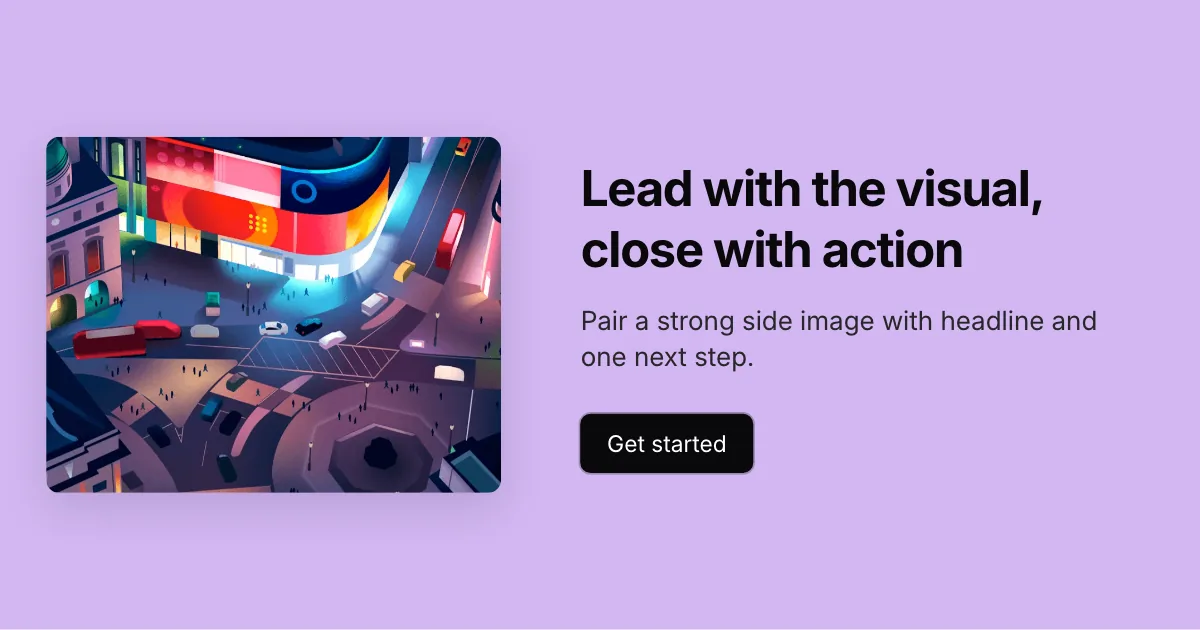
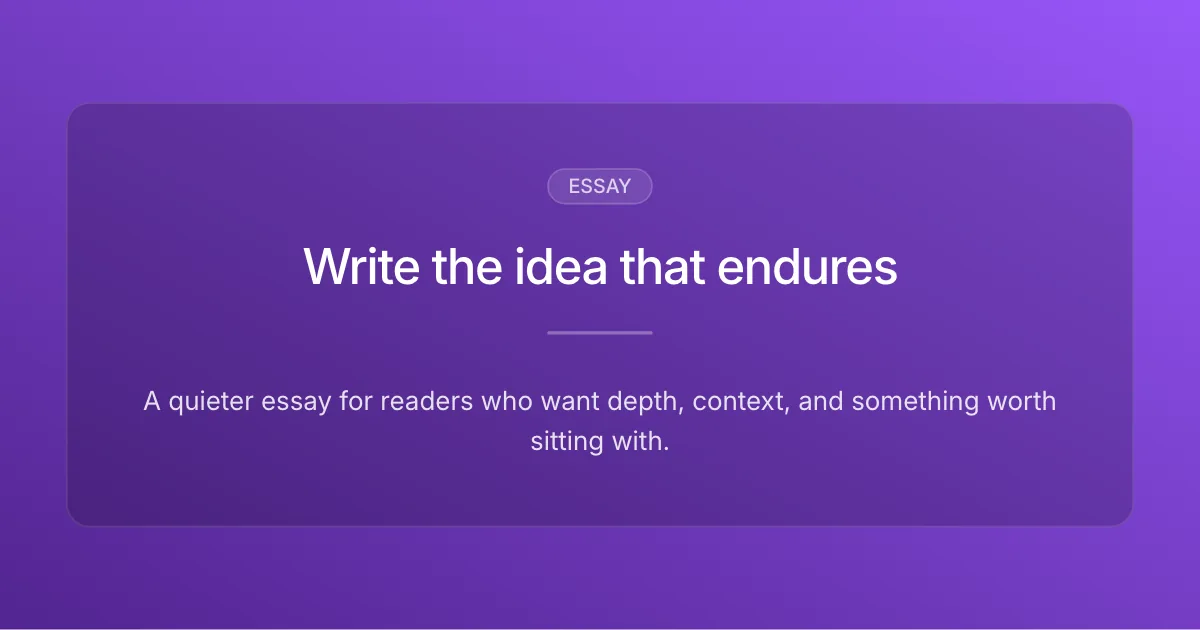
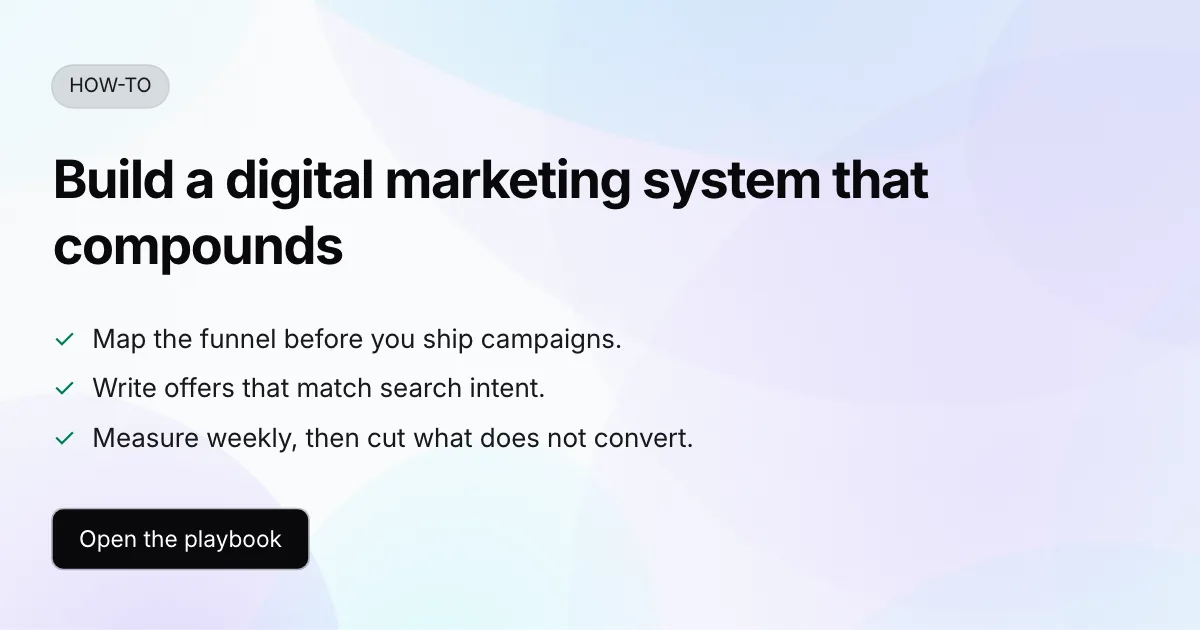
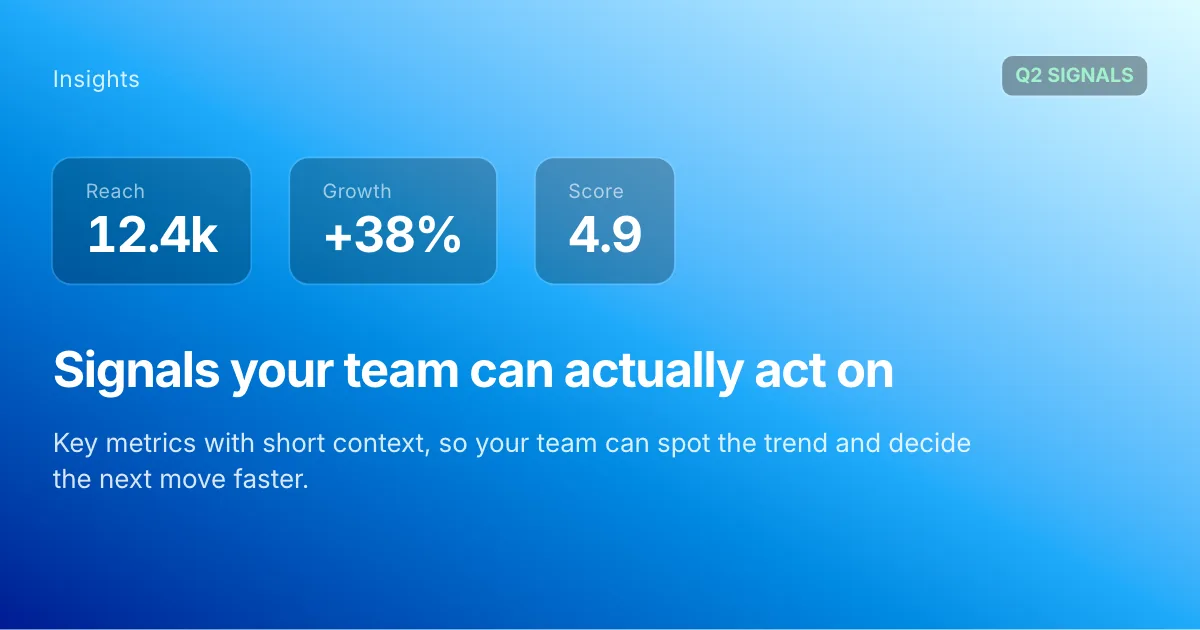
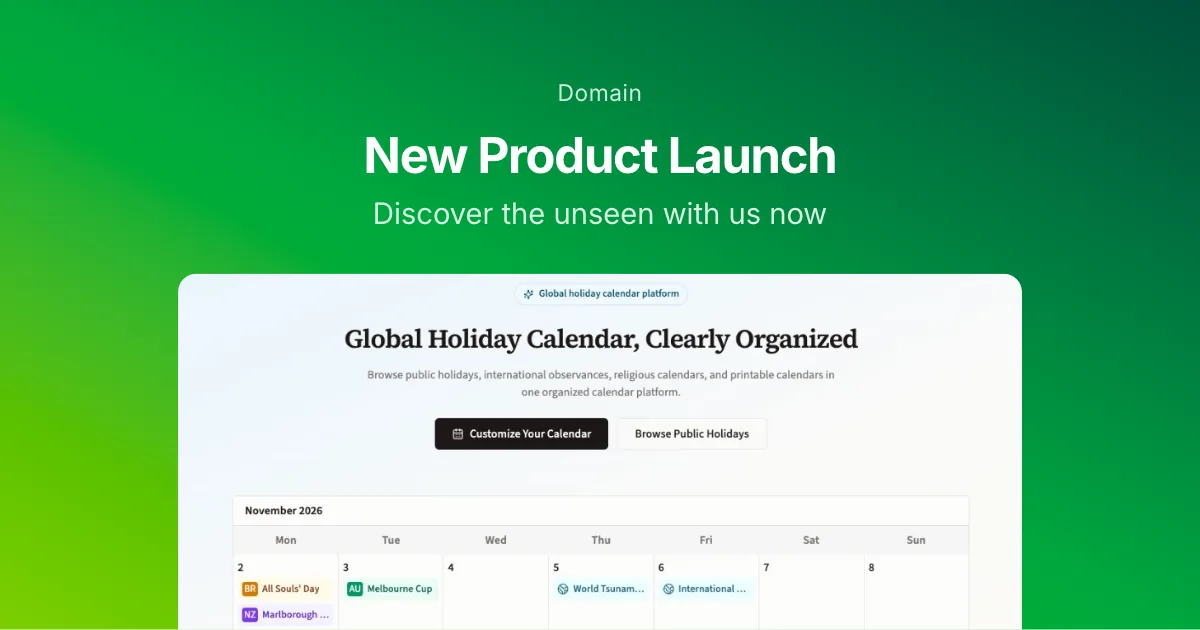
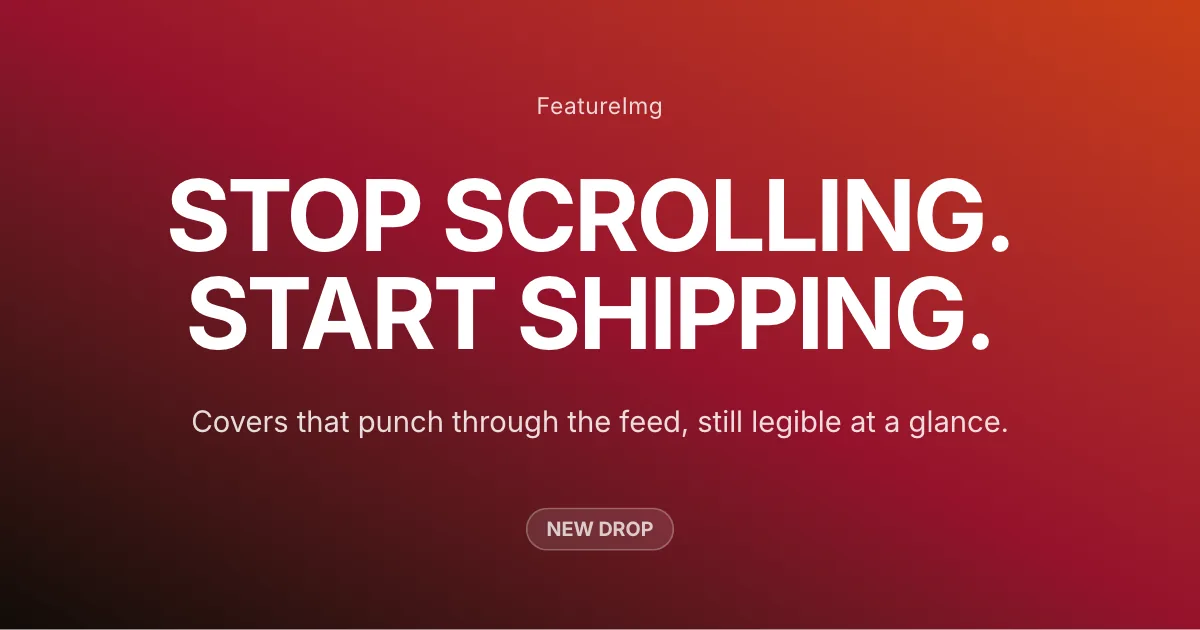
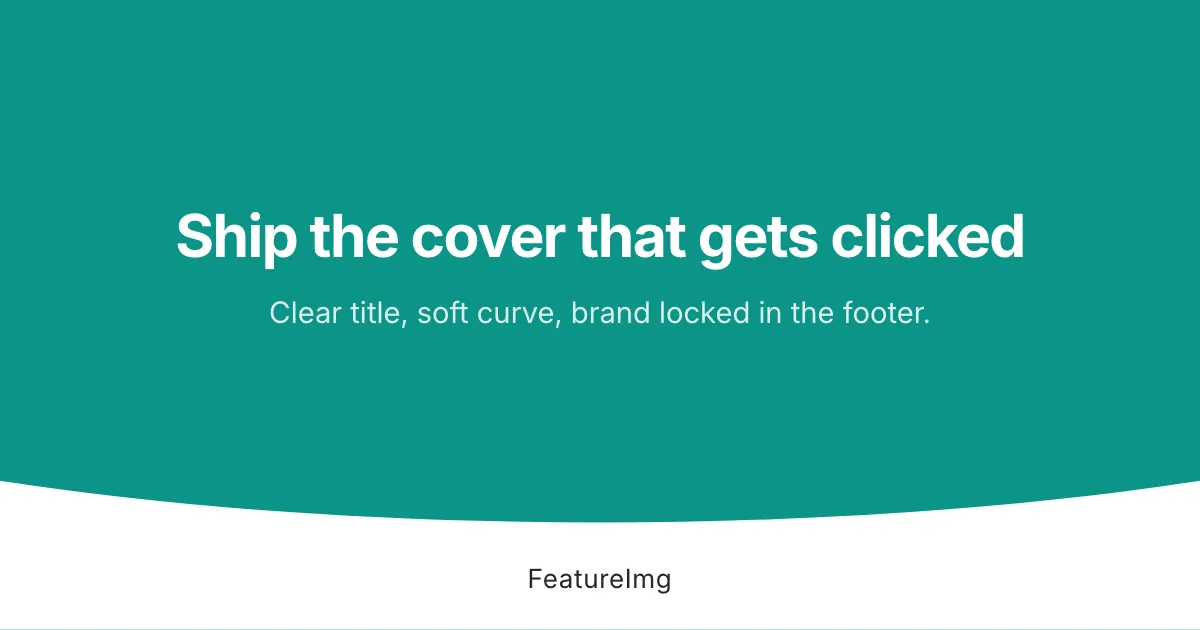
ブログフィーチャー画像、Open Graphプレビュー、SNS投稿、サムネイル向けの既製テンプレートを閲覧。エディターで開き、コピーを整え、きれいな画像を書き出します。
Creator covers, launches, personal branding
Visual-first covers with a full-bleed image split
Launch posts with a headline and clear call to action
Keynote and talk covers with a wide side media panel
Product stories with a staggered four-card media stack
Brand-led stories with a hero image and supporting copy
Visual-led covers with copy and a clear CTA on the right
Playful launches with a tilted product visual
Offer and launch cards with a bordered white panel and shadow
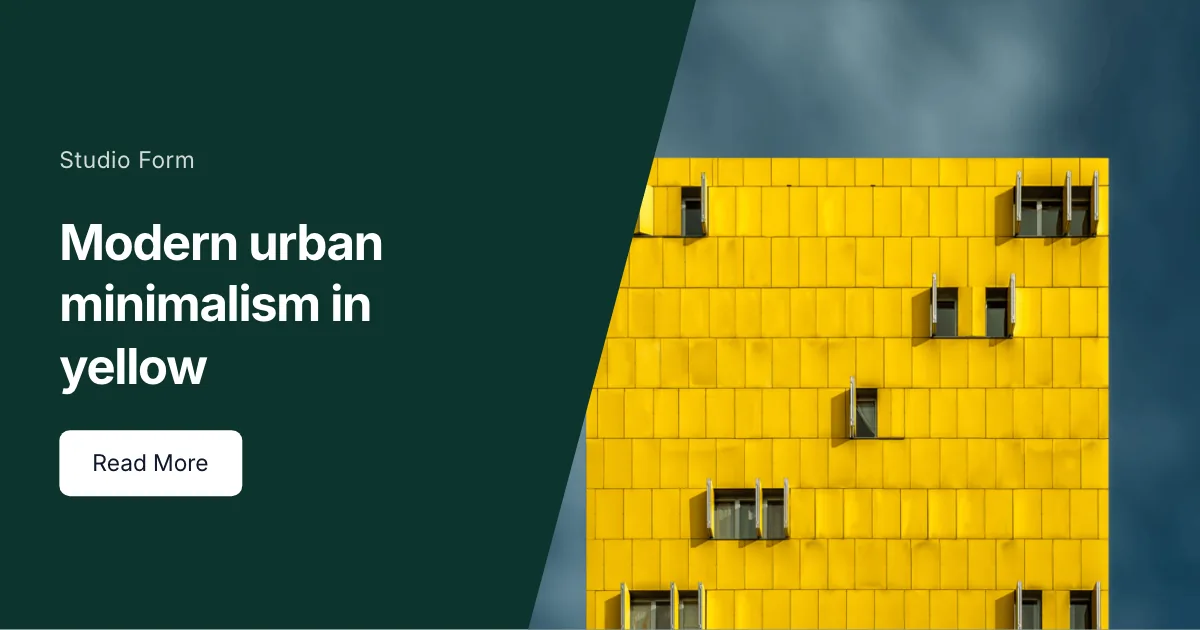
Bold launches with a diagonal text-and-image cut
Essays, newsletters, thought leadership
Tutorials, guides, how-to content
Reports, trends, analysis
Product launches, updates, release notes
Social posts, creator content
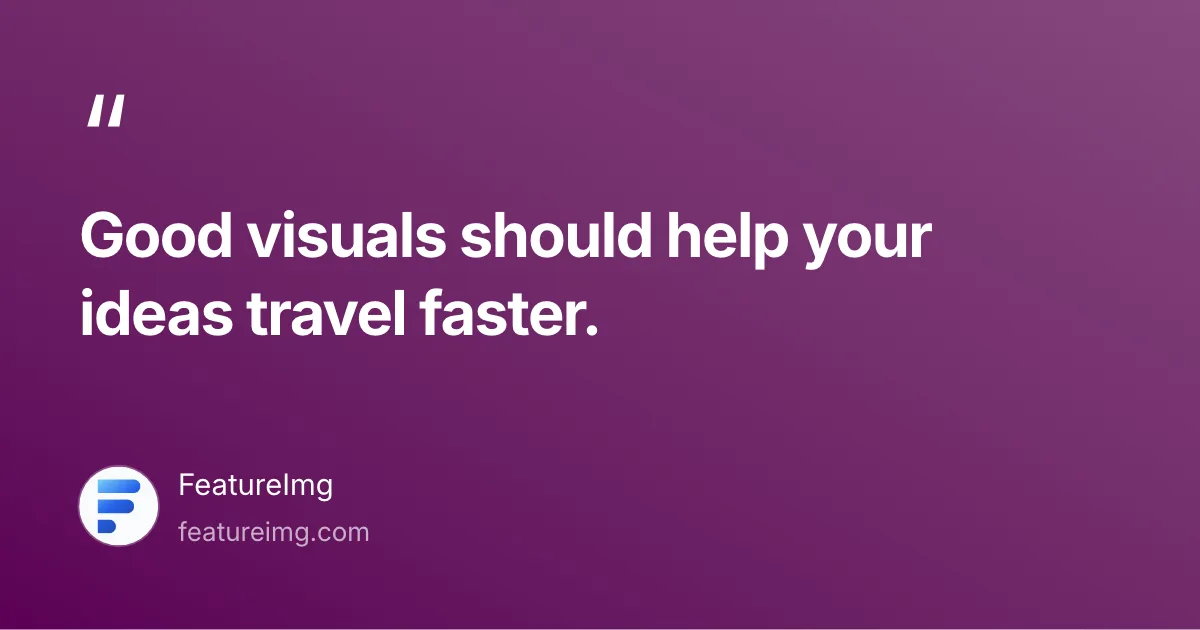
Tweet-style quotes with author attribution
Square and vertical quote covers with author attribution
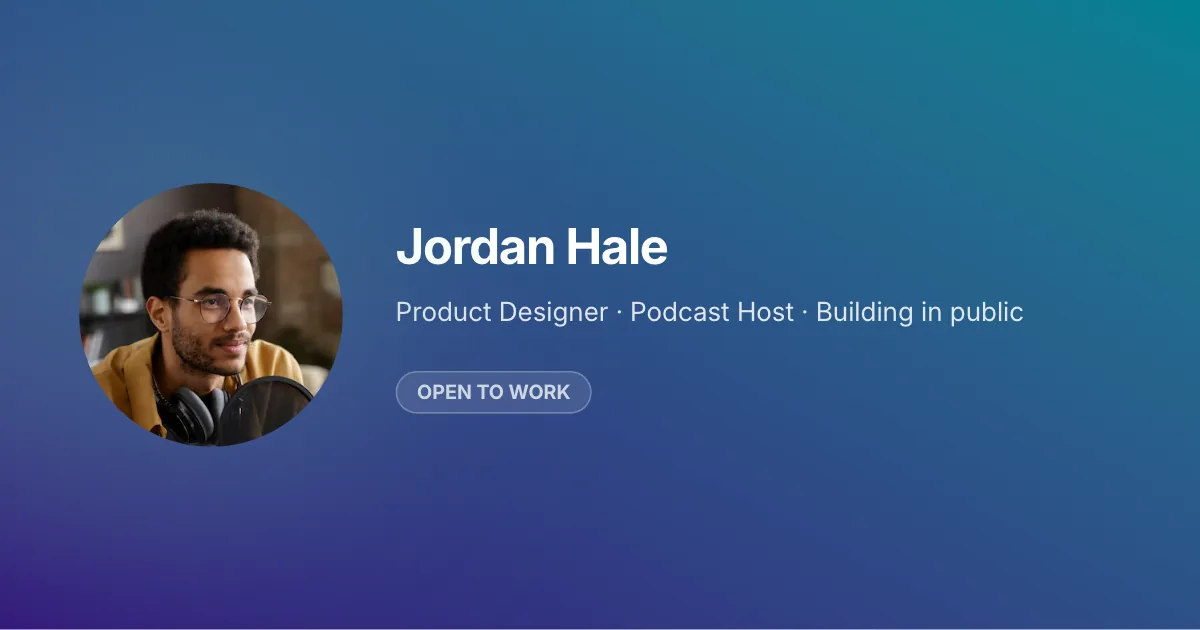
Profile cards with avatar, headline, and badge
Reels and note covers with a badge and headline up top
Copy-led vertical covers with centered headlines
Visual-first vertical covers with text below the hero image
Left-aligned badge, title, and subtitle stacked in the vertical center of the canvas
Headline on top with a large image in the lower zone
Card-style product shots with title and optional CTA
Centered badge and copy above a square product card
シンプルなワークフロー
白紙キャンバスは不要。構造から始め、詳細を整え、公開できる画像を書き出します。
白紙ではなく既製レイアウトを使います。
見出し、詳細、スタイルをメッセージに合わせて編集します。
公開の準備ができたらPNG、JPEG、またはWebPをダウンロードします。
テンプレートはレイアウト・タイポグラフィ・テキスト枠を担います。エディターで開くとフォーマット設定と組み合わせ、公開先に合うサイズで書き出せます。手動のリサイズは不要です。
まずは ブログアイキャッチ, Open Graph, YouTube サムネイル, LinkedIn 投稿, X 投稿, ポッドキャストカバー フォーマットから、または すべてのフォーマットを見る.