

Step 1: Choose a template
Use a ready-made layout instead of a blank canvas.
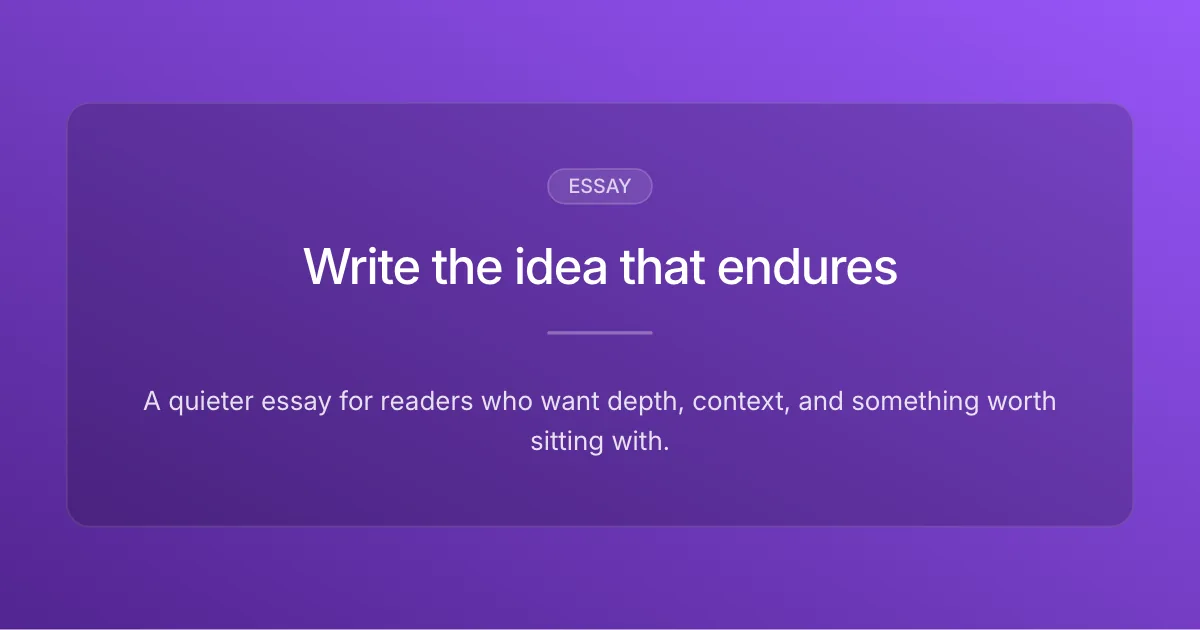
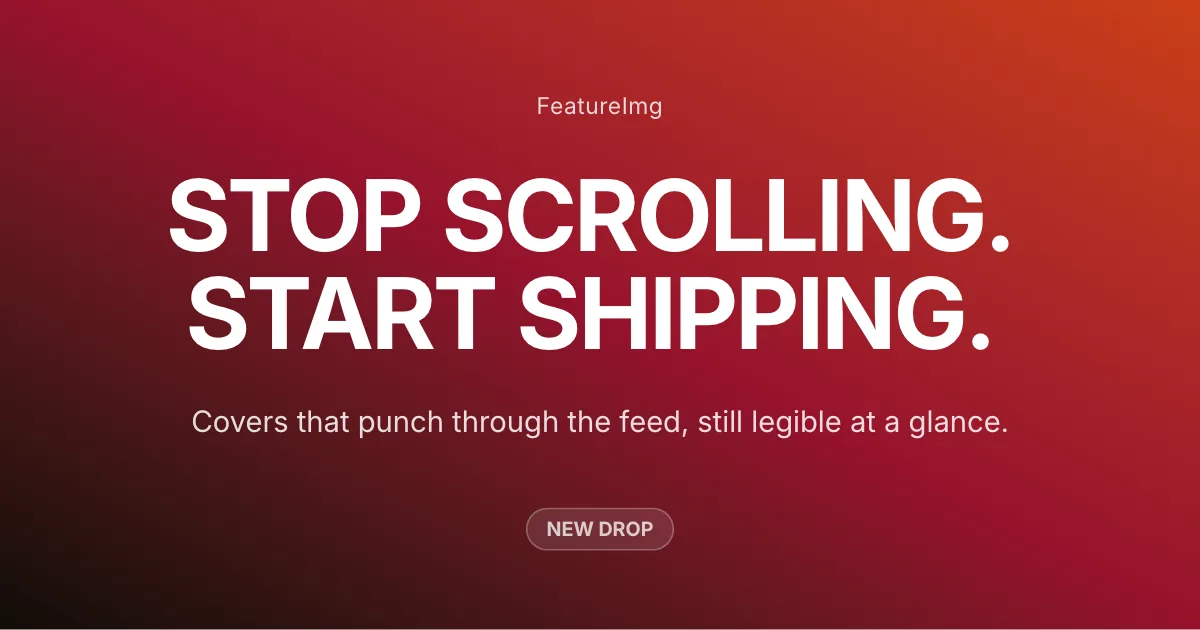
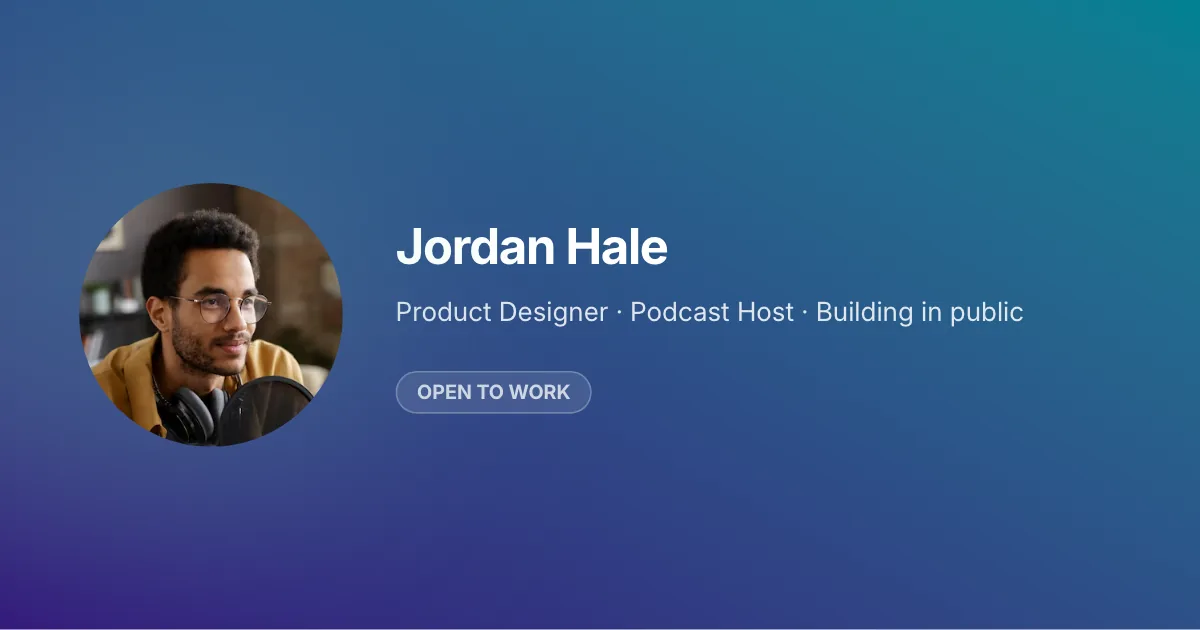
Browse ready-made templates for blog featured images, Open Graph previews, social posts, and thumbnails. Open any template in the editor, customize the copy, and export a clean image.
Simple workflow
Skip the blank canvas. Start with structure, customize the details, and export a publish-ready image.
Use a ready-made layout instead of a blank canvas.
Edit the headline, details, and styling to match your message.
Download PNG, JPEG, or WebP when you're ready to publish.
Templates handle layout, typography, and copy slots. When you open one in the editor, you pair it with a format preset so the export matches the channel you publish to, with no manual resizing.
Start from a blog featured image, Open Graph, YouTube thumbnail, LinkedIn post, X post, podcast cover format, or browse all formats.