
Getting the podcast cover image size right keeps your show readable in directories, apps, and small thumbnails. This guide explains what a podcast cover image is, what to include, how show art differs from episode art, and how to use FeatureImg as a podcast cover maker without guessing pixels.
For platform minimums and square ratio details, also see the podcast cover size guide.
Quick answer
| Asset | Recommended size | Aspect ratio | FeatureImg preset |
|---|---|---|---|
| Show cover (primary) | 1400 × 1400 px | 1:1 | Podcast Cover format |
| Episode promo on social | Often wide (e.g. 1600 × 900) | 16:9 | X Post or LinkedIn Post |
| Blog article about the episode | 1200 × 630 px | ~1.91:1 | Open Graph |
When people search podcast cover size or podcast cover art size, they usually mean square show artwork. Design that asset first at 1400 × 1400 px.
What is a podcast cover image?
A podcast cover image is the square artwork attached to a show in podcast apps and directories. It is the visual anchor listeners see before they read the description or press play.
The cover is not your episode notes. It is a compact brand mark: usually a show title, optional subtitle or host line, and simple color or imagery. Because the image appears small on phones, podcast cover image size, contrast, and spacing matter more than fine detail.
What a podcast cover should include
Show title. Short enough to read in one or two lines at thumbnail size.
Optional subtitle or host line. One supporting line max—season theme, host name, or category.
Simple visual idea. Solid field, soft gradient, shape background, or one photo with a clear text panel.
Readable contrast. Light-on-dark or dark-on-light with a clear gap between type and background.
Skip episode numbers, long URLs, and dense quotes on the main show cover. Those belong in show notes or episode-specific promos.
Recommended podcast cover image size in FeatureImg
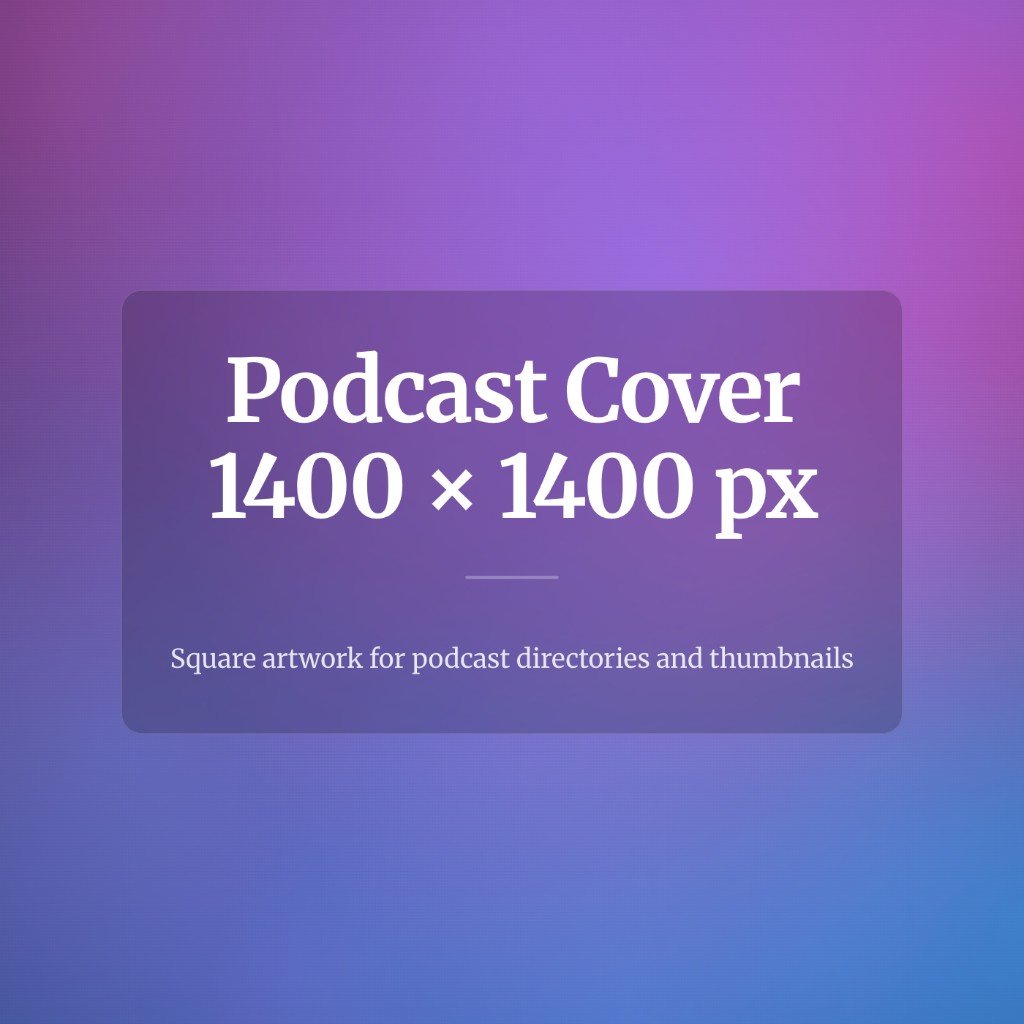
FeatureImg’s Podcast Cover format exports at 1400 × 1400 pixels in a 1:1 square layout.
| Label | Dimensions | Aspect ratio | Notes |
|---|---|---|---|
| FeatureImg Podcast Cover | 1400 × 1400 px | 1:1 | Matches the editor canvas; ready to upload |
| Common directory minimums | Often 1400 × 1400 px or higher | 1:1 | Confirm with your host before upload |
| Legacy small sources | 300 × 300 px and up | 1:1 | May look soft when scaled up |
If you compare podcast cover art size requirements across hosts, match square aspect ratio first, then meet or exceed the host’s minimum pixel count.
Podcast cover layout tips
Keep the title short. Long show names become illegible in app grids.
Use strong contrast. Light text on busy photos often fails after compression.
Focus on one visual idea. A single headline, one accent color, and optional host line is enough.
Leave edge spacing. Rounded masks and UI chrome can clip corners.
Preview at thumbnail size. Zoom out before upload. If you cannot read the title, simplify.
Reuse a layout family. Seasonal variants are easier when templates stay consistent. Browse templates for square-friendly options such as profile card, creator bold, or clean editorial.
Show cover vs episode cover
Show cover is the primary square asset in Apple Podcasts, Spotify, and most directories. It represents the whole feed. This guide focuses on that file.
Episode cover or episode promo sometimes means:
- The same show art reused every episode (common for indie shows)
- A one-off square variant for a limited series (still 1:1)
- A wide social graphic for a single episode announcement (not a directory upload)
Do not upload a wide banner into a square slot. Use the Podcast Cover format for directory art and a wide format for timeline promos when needed.
Podcast cover examples
| Show type | Layout direction | Starting template |
|---|---|---|
| Interview / host-led | Bold title + host feel | Creator bold or profile card |
| Education / tutorial | Clear topic line | Clean editorial or tutorial card |
| News or commentary | Strong headline, minimal art | Creator bold |
| Narrative / fiction | Mood background + short title | Clean editorial with gradient or shape background |
For more visual direction, see podcast cover ideas.
Common podcast cover mistakes
Wrong aspect ratio. Uploading a wide banner or portrait photo into a square slot leads to unintended center crops.
Cluttered layout. Too many badges, logos, and lines compete at small sizes.
Low contrast. Thin gray type on pastel backgrounds disappears in thumbnails.
Tiny text. Episode numbers, URLs, and long quotes belong in show notes, not on the cover.
Skipping a thumbnail check. Always preview at phone size before upload.
Confusing show art with social promos. Podcast cover image size for directories is square; timeline graphics use wide formats.
How to create a podcast cover image with FeatureImg
FeatureImg is a practical podcast cover art creator and free podcast cover art maker workflow in the browser: pick the podcast preset, choose a template, edit copy, export. It does not submit artwork to Apple Podcasts or Spotify for you.
- Open the Podcast Cover format page or the podcast editor preset.
- Browse templates suited to square covers (profile, creator bold, clean editorial, product update).
- Edit the title and optional subtitle fields tied to the layout.
- Choose a background (solid, gradient, or shape preset) that keeps text readable.
- Export PNG, JPEG, or WebP at 1400 × 1400 px and upload through your podcast host.
For a step-by-step walkthrough, read how to make a podcast cover.
FAQ
What is the standard podcast cover size?
Most hosts expect square artwork, commonly 1400 × 1400 pixels or larger. FeatureImg exports at that size on the Podcast Cover preset.
What is the difference between podcast cover size and podcast cover image size?
Searchers use both phrases for the same asset: square show artwork for directories. This article emphasizes podcast cover image layout and creation; the podcast cover size guide goes deeper on platform notes.
Is there a podcast cover art generator that keeps the right dimensions?
FeatureImg locks the canvas to 1400 × 1400 px so you do not resize after design. It is a podcast cover art generator in the sense that you export ready-to-upload square art from templates.
Can I create episode artwork in FeatureImg?
Yes for square episode variants on the podcast preset, or wide promos on X Post and LinkedIn Post formats. Match the export to where the file will be used.
How do I create a podcast cover image without Photoshop?
Open the podcast editor preset, pick a template, edit text, and export. No desktop design suite required.
Create your podcast cover image
Use a square export, keep copy minimal, and preview at thumbnail size. When you are ready, start from the Podcast Cover format page, browse templates, or open the podcast editor preset to export at the correct podcast cover image size.